
Compared Flyway, Liquibase, Bytebase, and Atlas in MSA·DDD environments and summarized what to choose based on different situations.
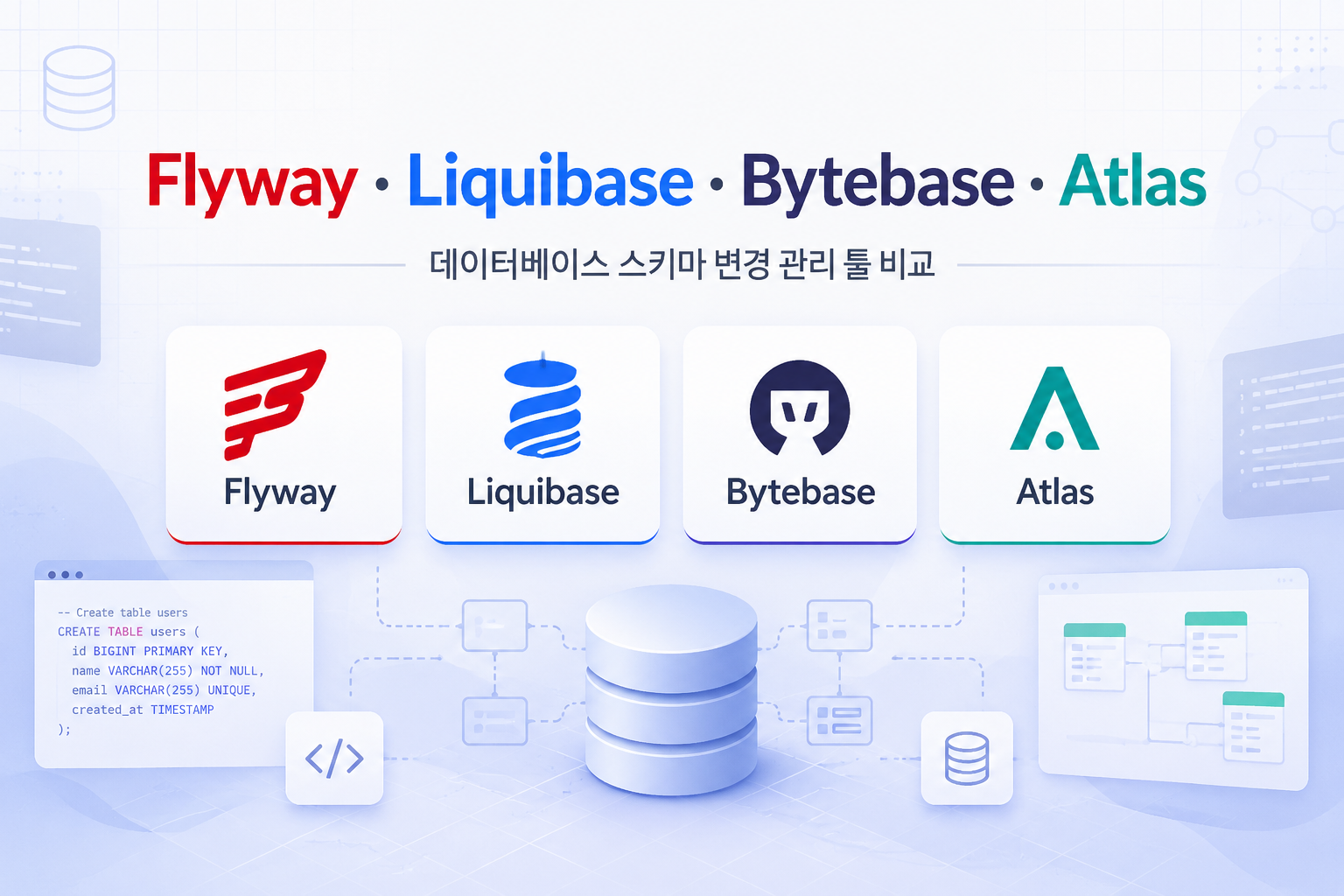
1. The schema keeps changing without stopping
In DDD and MSA, the database schema is not a fixed asset in a cloud-native environment. It keeps changing throughout the operation of the service.
The reason lies in the domain. Entities and aggregates change together as the understanding of the domain deepens. Attributes are added, concepts that were once a whole split into two, and values that were columns are promoted to separate tables.As the model evolves, the schema also evolves.
Doing this manually without toolsALTERwill lead to schema discrepancies across environments. Migration tools manage changes as versions, ensuring that every environment reaches the same state in the same order.
MSA adds distribution here. Each service has its own databaseDatabase per Servicewhere migrations also occur at the service level. Instead of throwing DDL all at once from a central point, we need to control the situation where multiple services change the schema at their own pace. If non-disruptive deployment is required, the option of 'locking the table and changing it briefly' is off the table.
Before choosing a tool: two approaches
|
Approach |
Description |
Representative Tools |
|---|---|---|
|
Migration-based |
the procedure for changing the schemaV1,V2,V3is stacked. The accumulation of changes is the current state. |
Flyway, Liquibase |
|
state (declarative) based |
When declaring the target schema, the tool calculates the difference with the current schema and generates a script. |
Atlas |
change-based isthe intent is explicit and easy to track, declarative is The version control is clean and favorable for automation.This difference is the starting point for tool selection.
2. Four tools, at a glance
Flyway — the simplest and most widely used
SQL files with versioning and descriptions like V1__create_member.sql are applied in order. Since the written SQL is executed as is, it's easy to predict what will run, and its integration with Spring Boot is smooth, leading to many automatic application patterns at startup. However, automatic rollback and schema diff are commercial areas.
-- V2__add_email_to_member.sql
ALTER TABLE member
   ADD COLUMN email VARCHAR(255) NOT NULL DEFAULT '';

CREATE INDEX idx_member_email ON member (email);
The written SQL is applied as is,flyway migrateIt’s done in one go.
Liquibase — abstraction and rollback, regulatory evidence
XML·YAML·JSON·SQLchangelogdescribes the changes. Thanks to the abstraction that is not tied to a specific DB type,it supports multiple DBMSs togetherorexplicitly manages rollbacks.It is advantageous when done. In commercial (Liquibase Secure), policy checks and change/rollback audit evidence are mapped to regulations such as SOX, PCI DSS, and DORA, making it a frequent choice in environments with strict regulations.
# db/changelog/002-add-email.yaml
databaseChangeLog:
  - changeSet:
      id: 002-add-email
      author: dev
      changes:
        - addColumn:
            tableName: member
            columns:
              - column: { name: email, type: varchar(255) }
      rollback:
        - dropColumn:
            tableName: member
            columnName: email
By specifying the rollback block, liquibase rollback will revert as it is. Even simple changes like the above can be omitted, automatically generating the inverse operation. While it's expressive, the entry barrier is slightly higher than Flyway, which uses SQL directly.
|
Regulatory Acronyms Summary - SOX(Sarbanes–Oxley Act) — U.S. public company accounting and internal control regulation. Requires control and evidence for financial data changes. - PCI DSS — Payment Card Industry Data Security Standard. Requires change control and audit logs. - DORA(Digital Operational Resilience Act) — EU regulation on operational resilience for financial institutions. Requires proof of change history and rollback capabilities. |
|---|
Bytebase — DB DevOps platform
While the former two are library and CLI, Bytebase is a platformIt is. The flow of change request → review → approval → application is handled in the web GUI, covering SQL review rules, change history, and access control in one place. Multiple teams operate multiple DBs.Governance and audit trailThis fits the important organization. However, the introduction is heavy.
Atlas — Declarative + GitOps
If you write the desired schema in HCL, SQL, or ORM, it automatically calculates thedifference with the current stateand creates the migration. Declaring the schema as code and managing it in Git isGitOps friendlinessis a strength. If you are not familiar with declarative, a shift in mindset is needed.
# schema.hcl — "최종 상태"를 선언한다
table "member" {
  schema = schema.public
  column "id" { type = bigint }
  column "email" { type = varchar(255) }
  primary_key { columns = [column.id] }
}
By adding the email column to the declaration and running atlas schema apply, Atlas calculates and applies ADD COLUMN by comparing with the current DB.
Comparison table
|
Item |
Flyway |
Liquibase |
Bytebase |
Atlas |
|---|---|---|---|---|
|
access method |
change-based |
change-based |
change-based + platform |
declarative-centric |
|
writing format |
SQL |
XML/YAML/JSON/SQL |
SQL(+GUI) |
HCL/SQL/ORM |
|
supported DBMS |
30+ |
60+ (cross DB) |
25 engines |
Major open-source RDBMS |
|
Rollback |
Manual (automatic is commercial) |
Many automatic·raw SQL must be specified |
Support |
Plan·Rollback |
|
Automatic diff |
None |
Partial |
Partial |
Strength |
|
Review·Approval |
External CI |
External CI |
Built-in (GUI) |
CI integration |
|
Audit evidence |
Limited |
SOX/PCI/DORA in Secure |
Change approval log |
Change plan and history |
|
License |
OSS + Commercial |
OSS + Pro·Secure |
OSS + Enterprise |
OSS + Pro |
|
Well-suited situation |
Simple·SQL friendly |
Multi DB·Rollback·Regulation |
Team governance |
Declarative·GitOps |
Portabilityis as important as the number of DBMS. PostgreSQL·MySQL·Oracle·MS-SQL have different DDL syntax for the same changes, so Flyway requires direct handling of product differences with raw SQL. Liquibase generates SQL suitable for the target DBMS using an abstracted changelog.Supports multiple product lines with a single definitionThis difference will influence the choice if the customers each have different DBMS.
3. How to use - Actions viewed with Flyway and GitOps
Migration files only need to follow the naming convention.
db/migration/
├── V1__create_member.sql
├── V2__add_email_to_member.sql
└── V3__create_post.sql
The format is V{version}__{description}.sql and will be applied sequentially only once per version. There are four commonly used commands.
• migrate — Executes the migrations that have not yet been applied in order
• info — Displays the application history and pending changes
• validate - Verify that the applied file has not been tampered with using a checksum
• baseline — Set a benchmark when first introducing to the operating DB
Validation often prevents accidents more frequently than you might think. If someone modifies an already applied file late in the process, the migration will stop due to a checksum mismatch. There is only one principle.Do not modify the applied migration; add a new version.
Where should the migration be placed in the module?
If you've split a service into multiple Gradle modules like domain and boot, migration will be activated with a connection to the actual DB.Boot (Application) Moduleis placed.
member-service/
├── member-domain/ ← 엔티티·도메인 로직
└── member-boot/ ← 애플리케이션 부트·설정
└── src/main/resources/db/migration/ ← Flyway 마이그레이션
If there are multiple services and repositories are separated, each service follows the same pattern in its own repository, and each boot module owns the migration of its own database (Database per Service).
Realistic CI/CD pipeline
In cloud native,Git as a single source of truth (SSOT)GitOps is the standard for keeping it. It's summarized as 'When you raise a PR, CD gets applied,' but the actual flow in the enterprise is more intricate.
• Version control + review — All changes, including tables, indexes, and seed data, are submitted as PRs like code and reviewed.
• Automatic validation — CI applies it to a temporary DB to check syntax, constraints, and indexes, blocking dangerous commands (such as those without conditions, like DROP etc.) with static checks. Execution accounts have minimal privileges.
• Lower environment reproduction testing — After applying it to staging, unit, integration, regression, and performance tests are conducted. Particularly checks for backward compatibility of old version code + new version schema are made.
• Approval Gate — MR approval or ITSM ticket approval before applying the operation. Steps vary based on risk level (low/medium/high) leaving a ticket number
• Backup Acquisition — Backup just before applying the operation, and backups must undergo periodic recovery tests
• Staged Rollout — Apply migration first with idempotent scripts and deploy dependent code. Combining Expand–Contract eliminates order dependency
• Monitoring + Feature Flags — Observe response time, connections, and error rates immediately after application. Separate new features with feature flags from the schema
• Rollback Validation — Only use rollback paths pre-validated in lower environments
The principle that should not be overlooked here is Separation of concernsDevelopers can work autonomously in lower environments, but production deployment is overseen by DBA and security. Recent guides recommend explicit versioned migration rather than state-based diffsbecause changes are predictable and easy to audit and reproduce.
Rollback does not simply end with 'revert'
In a regulated environment, it is required to leave evidence of the fact and content of the rollbackas well.
• Flyway — undo requires writing reverse scripts like U1__...sql directly, and automated undo is a commercial feature. Rollback is also 'another migration' and is subject to validation and recording.
• Liquibase — multiple changes to changelog automatically generate rollback, while raw SQL provides an explicit rollback block. Secure loads executed SQL into a separate table and produces a rollback report (who, when, what, how).
The key point is that in audit target systems, rollback should not be executed directly in production by manually crafting it on the spotIt must be executed only through a validated and traceable path.
A model that separates generation and application
On the opposite side of automatic CD application,the tool generates SQL only, and application is directly executed by the DBA in the change window.This model is common in financial and public environments where access to operational databases is restricted to a few.
All three tools provide commands to "extract only SQL without application."
• Flyway — flyway migrate -dryRunOutput=deploy.sql
• Liquibase — liquibase update-sql(application), liquibase rollback-sql(Rollback)
• Atlas — atlas migrate diff <name>to generate versioned SQL
The advantages are clear. Since humans verify the SQL directly, control, auditing, and separation of privilegesbecome natural, and risky modifications can be executed within controlled timeframes.
However, there is a cost. Automated deployment stops, lead time increases, and as the number of tenants grows, manual processes become bottlenecks. The biggest trap is drift.If a DBA manually modifies and executes the generated script in production, it deviates from the SSOT in Git and the actual application. The principle is that the generated script should be executed as is, and if there are corrections, the source should be modified and regeneratedinstead.
So, the recent compromise is "DBA reviews and approves, and the pipeline is applied during the change window"This is a gate model. It maintains human control while automating execution, capturing both evidence and reproducibility. Bytebase and Liquibase Secure fit well into this model.
4. Practice - Zero Downtime and High Volume
What is more difficult than using the tools is changing the schema without stopping the running system.
Expand–Contract Pattern
This is the foundation of zero downtime. Changes are not made all at once but are divided into three steps.
• Expand — Add new columns/tables. Existing code remains unaffected.
• Migrate & Dual-write — Deploy to write to both new and old sides together and backfill existing data.
• Contract — Remove old columns/tables after confirming that all traffic is using the new structure.
This way, at any point during deployment, the application and schema willCompatibleIt is. Even tasks that seem simple, like renaming a column, can be complicated during a rolling deployment because older version instances reference the old column, so a singleRENAMEThis will break the non-stop functionality. It should be resolved by "Add → Write on both sides → Remove."
Irreversible changes
Deleting columns, changing types, and adding NOT NULL constraints at once can be risky. Alwaysleaving a step for backward compatibilityWe decompose in the following order. NOT NULL is divided into (1) adding columns → (2) backfilling existing rows → (3) adding constraints.
When there is a lot of data
When millions of rows pile up in the table, it's ordinaryALTER TABLEA single line becomes a hindrance. In many DBs, schema changes affect the table.lockIt is because reading and writing have been blocked during this time. Adding an index that was instantaneous on a small table can take dozens of seconds on a large table, causing API delays and connection pool saturation.
In large-scale environments, we use the following techniques.
• Online schema change — If it's MySQL-based, gh-ost, pt-online-schema-change. Instead of the original, we create a shadow table to gradually copy the data and synchronize the changes before the final switch.
• Batch backfill — If you fill hundreds of millions of rows with an UPDATE at once, the transaction becomes too large and replication lag occurs. We break it down into thousands to tens of thousands of rows and fill it while monitoring the load.
• Large-scale Index — Uses options like CREATE INDEX CONCURRENTLY that do not block writes in PostgreSQL. It must be executed outside of transactions, so we also take care of the transaction isolation options in migration tools.
There is one principle. Changes to large tables should be made gradually, not all at once.
Two domestic cases
① Introduction of Flyway — A team that relied on ddl-auto encountered the issue of local, testing, and production schemas being misaligned, and faced the reality that "dropping tables in production is risky," leading to the adoption of Flyway. In production, we set ddl-auto: validate to prevent startup in the case of entity-schema mismatches, and changes are reflected only through versioned scripts. flyway_schema_historyDetecting tampering with checksums, Adding a new version without modifying the applied scripthas been established as an operational rule. As seen earlier, validate is an example where the ·checksum principle remains intact. (Flyway 적용기)
② Seamless large-scale transition — The like feature was moved from PostgreSQL to MySQL along with schema changes, and the transition took a long time due to the large amount of data. Since interruption was not possible, we chose dual writing. The ledger was kept as the existing V1, and changes to V1 were streamed to V2 via SQS (FIFO) to maintain order and consistency. Initial data was migrated through scripts, while changes in the meantime were accumulated in SQS and consumed after V2 deployment to catch up. Queries were provided for V1 and V2 together, gradually transitioning to V2 using a strangler pattern, and SQS subscriptions were implemented idempotently to ensure the last event is the final state. The author's key point was "How to synchronize data that continues to be updated during migration". (Migration review)
5. So what should I choose?
The answer varies depending on where you use the same tool.
On-premise SaaS platform → Flyway
If the SaaS platform is separateApp distribution systemthroughSubscription → Installation → Cancellation → Cleanupwhat would happen if it flows automatically?
This lifecycle demands two things.
• Automatic schema creation during installation, automatic cleanup when subscription is canceled— The schema should be installed and removed at the app level without human intervention. A model where migration isembedded in the app and deployed with the codeis suitable.
• Module Independence — Each module's migration is separate, and each has its own version history.
|
⚠️ If the cleanup during subscription cancellation does not clear the migration history table, it may be misinterpreted as 'already applied version' during reinstallation, and the initial schema may not be created. When designing installation and cleanup flows, the lifecycle of the history must also be considered. |
|---|
This condition fits well with Flyway. Automatic application during application startup is smooth, and SQL migrations for each module can be directly layered onto the application structure, integrating simply into the installation and cleanup pipeline. To elevate configuration management and automation to the next level, the combination of Atlas + GitOps is an option.
If it's a site project → by industry
|
Industry |
Requirements |
Recommendations |
|---|---|---|
|
Finance and Banking |
Review and approval audit + rollback evidence is essential. The strictest. |
Liquibase(Secure) - Policy checks to block non-compliant changes, SOX·PCI·DORA mapping. To enforce approval through GUI, Bytebase add as an approval layer |
|
Healthcare |
Data privacy·regulatory compliance, data integrity·audit trail. |
Liquibase - Explicit changelog and rollback management. More approval governance is needed, Bytebase complement |
|
Internal intranet |
Lower regulatory burden and limited operational personnel. Simplicity first. |
Flyway - Lightweight SQL operations |
In summary, clients require how strongly stability and audit evidence (including rollback) are demandedAs we move forward, the weight shifts towards Flyway → Liquibase → Bytebase.
Quick Checklist
• Migration is Distributed with the appShould it be? → Flyway
• Various DBMSexplicitrollback, Regulatory evidence (SOX·PCI·DORA)Is this important? → Liquibase(Secure)
• Review and Approval WorkflowShould it be enforced as a GUI? → Bytebase
• Declarative Configuration ManagementIs it aiming for GitOps automation? → Atlas
6. Conclusion
The most important thing in tool selection is not the tool itself, but what surrounds it.workflowAs long as the model evolves, the schema evolves as well, and if there is a procedure in place that makes it possible to track those changes safely and to revert them, then half of the solution is achieved regardless of the tools used.
A platform with an automated lifecycle can select simple and easily integrated tools for general clients, while clients in sectors like finance and healthcare, where audits and controls are important, can choose tools with strong governance tailored to their context. If you are considering implementation,Choose one service that changes the most and start with a small pipelineIt's safer to start.
dnine