
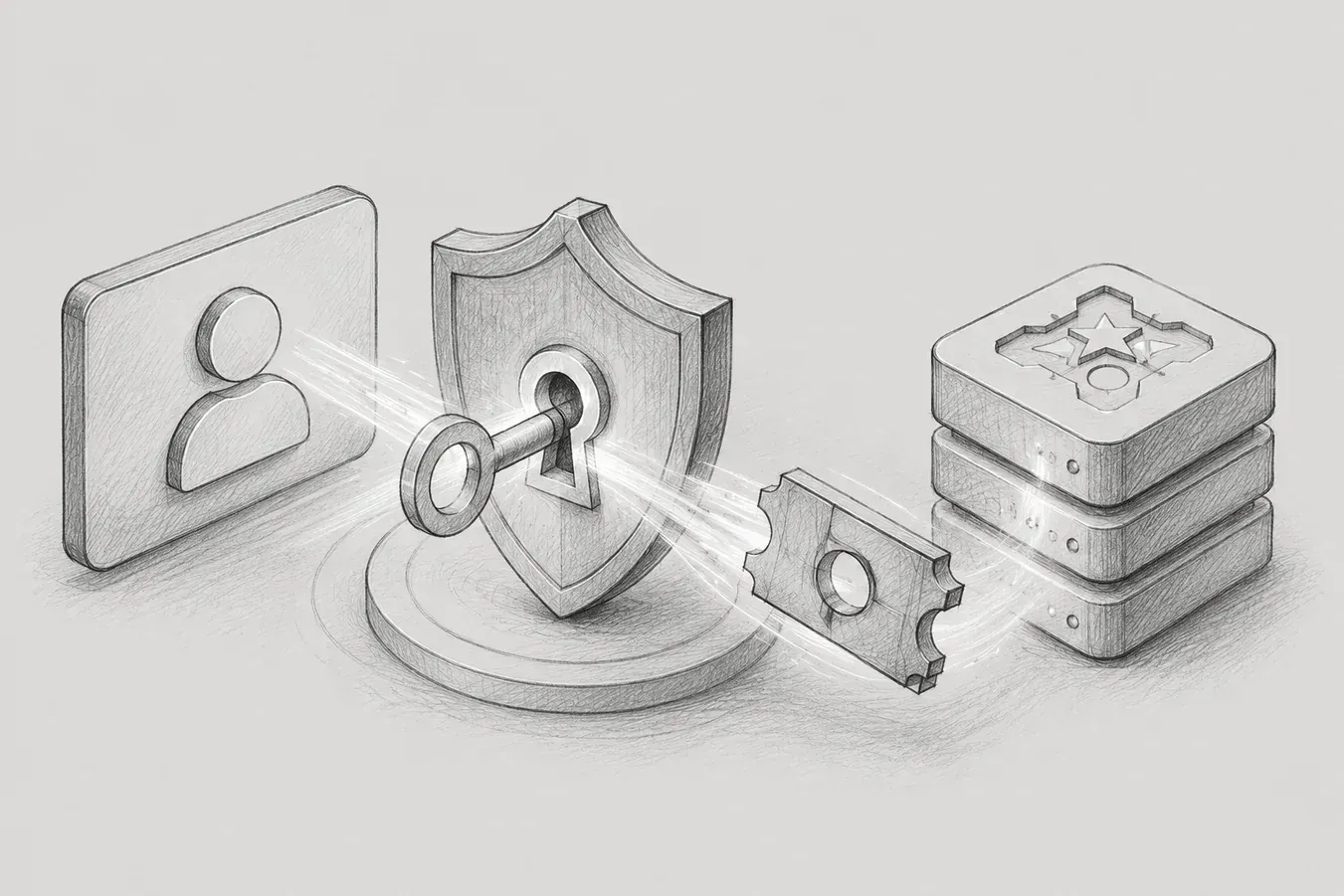
- Experience in issuing, consuming, and controlling duplicate requests of temporary codes to reduce direct exposure of tokens -
1. Background
This work started from the process of configuring an SSO flow to enter the survey service screen without a separate manual login within the internal business system. Users had to select specific menus or target screens in the internal business system and seamlessly move to the service screen. Initially, it seemed simple to resolve the issue by directly returning the accessToken and refreshToken issued by the authentication server as a response.
However, tokens correspond to actual authentication credentials. If this value is left in external responses, URL queries, browser histories, server logs, captured screens, messenger shares, etc., it poses security risks. Especially in a structure where the browser opens for screen transitions, the possibility of values being left in URLs or front logs also had to be considered. Therefore, it was decided not to directly transmit the tokens but to pass a one-time loginCode, which is valid for a short time, and let the front end exchange it for a token through a separate authentication API.
This article generalizes the structure applied in real work to fit a public blog. The actual package names, internal domains, server addresses, hospital names, patient identifiers, etc., are not disclosed, and the focus is on the background of technical choices and problem-solving processes.
2. Overall Structure
The implementation structure is divided into four main areas. The first is a server that acts as an adapter to receive requests from the internal business system and issue login codes. The second is Redis, which temporarily stores loginCode and tokenJson. The third is the authentication server, which consumes the loginCode passed by the front and returns the token. Finally, the front reads the loginCode from the URI's query parameter, calls the consume API, and then stores the token.
The overall flow is as follows.
업무 시스템
  -> adapter: 진입 URI 발급 요청
  -> adapter: 인증 서버에서 직원 token 발급
  -> Redis: tokenJson, loginCode, userKey 저장
  -> adapter: loginCode가 포함된 rsltUri 반환
  -> front: rsltUri로 진입 후 loginCode 추출
  -> account: loginCode consume 요청
  -> Redis: tokenJson 반환 및 key 삭제
  -> front: token 저장 후 목표 화면 표시
The key point of this structure is not to carry the token itself in the path of screen transitions. Only the one-time loginCode is transmitted between the business system and the front end. After receiving the loginCode, the account server fetches the tokenJson from Redis and simultaneously discards the associated code.
3. Reason for passing loginCode instead of token
AccessToken and refreshToken are values that prove an authenticated user. Therefore, it was necessary to avoid attaching the token directly to the URL. If the token value is exposed directly, it can be used to call APIs with that user's privileges during its validity period.
While loginCode can also be viewed as a sensitive value since it can retrieve tokens, it differs from the token itself in that it has a short TTL and can be configured to be deleted immediately after usage. Thus, loginCode is not a direct replacement for the token but rather a voucher for fetching the temporarily stored token from Redis just once.
accessToken / refreshToken
  - 실제 인증 자격증명입니다.
  - URL이나 외부 응답에 직접 노출하지 않는 것이 안전합니다.
loginCode
  - Redis에 저장된 tokenJson을 꺼내기 위한 일회용 교환권입니다.
  - TTL과 GETDEL 성격의 소비 로직으로 사용 범위를 제한합니다.
4. Redis key design
Several types of keys were stored in Redis. Initially, it was thought that simply storing tokenJson with loginCode as the key would suffice, but in the actual application process, it was necessary to consider duplicate issuance, concurrent requests, and post-consumption cleanup.
codeKey
app:sso:login-code:{loginCode}
-> tokenJson
userKey
app:sso:login-code:user:{userHash}
-> loginCode
codeUserKey
app:sso:login-code:code-user:{loginCode}
-> userKey
lockKey
app:sso:login-code:lock:{userHash}
-> LOCKED
codeKey is the key used to find tokenJson with loginCode. userKey is the key used to check for existing unused loginCodes that have already been issued in the same entry unit. codeUserKey is a reverse key that allows the account to find and delete userKey using only the loginCode. lockKey is a key used to control so that only one request performs the actual issuance when multiple issue requests come in simultaneously.
5. URI Branching and Entry Target Distinction
There were two ways for users to open service screens in the business system. One is when they directly enter a specific target screen, and the other is when they enter a personal dashboard. Therefore, the adapter was changed to return not just the simple loginCode, but to create and return the rsltUri that the front end needs to open.
대상 식별값이 있는 경우:
/service/staff/survey/response?loginCode={code}&targetId={targetId}
대상 식별값이 없는 경우:
/service/staff/dashboard/personal?loginCode={code}
In the public document, the actual domain, actual path, and actual identifier names have been generalized. The important point is that the loginCode is included in the screen transition URI, and the front end reads that value to call the account consume API.
private String buildLoginUri(String loginCode, String targetId) {
    if (hasText(targetId)) {
        return baseUrl + "/staff/survey/response"
                + "?loginCode=" + loginCode
                + "&targetId=" + targetId;
    }
    return baseUrl + "/staff/dashboard/personal"
            + "?loginCode=" + loginCode;
}
6. Reason for Adjusting the userHash Criteria
The most prolonged consideration during the implementation process was what to include in the userHash. At first, I thought it would be sufficient to create the userHash based solely on employee information. This was because the actual subject of the token is the employee, and the target identification value is considered only for screen transitions.
However, looking back at the URI branching requirements, having or not having a target identification value means different entry purposes. The same employee can consecutively open target screen A and target screen B in a short time, and both screens can even be opened simultaneously as browser tabs. If the userHash is created based only on the employee, different screen entry requests could be grouped under the same userKey.
직원 기준으로만 userHash를 만들면:
직원 A + 대상 111 -> userHash H1 -> loginCode X
직원 A + 대상 222 -> userHash H1 -> loginCode X
결과:
두 화면이 같은 loginCode를 공유할 수 있습니다.
loginCode는 일회용이므로 한 화면이 먼저 consume하면 다른 화면은 실패할 수 있습니다.
So ultimately, the userHash was adjusted to consider both employee information and the entry target. This does not change the subject of the token. The user of the token is still the employee. Rather, the duplicate issuance criteria in Redis are divided by “employee” not just as a unit, but by “employee + entry purpose.”
직원 + 진입 대상 기준으로 userHash를 만들면:
직원 A + 대상 111 -> userHash H111 -> loginCode X
직원 A + 대상 222 -> userHash H222 -> loginCode Y
직원 A + 대시보드 -> userHash HD -> loginCode Z
7. lockKey to Prevent Concurrent Requests
Using only the userKey cannot completely prevent concurrency issues. For instance, if the same user has multiple requests to open the same screen almost simultaneously, all of the requests can determine that the userKey does not exist yet. This can lead to multiple loginCodes being issued.
To prevent this, a lockKey was used, utilizing the setIfAbsent nature of Redis. Only requests that acquire the lock actually perform token issuance and Redis storage, while requests that do not obtain the lock briefly wait and return the existing loginCode stored in userKey.
locked = setIfAbsent(lockKey, "LOCKED", lockTtl)
if (!locked) {
    existingCode = waitAndGet(userKey)
    return buildLoginUri(existingCode, targetId)
}
try {
    token = loginOrJoin(user)
    code = createLoginCode()
    saveCodeKeys(code, token, userKey)
    return buildLoginUri(code, targetId)
} finally {
    delete(lockKey)
}
In this way, even if multiple issue requests for the same entry unit are made at the same time, only one unused loginCode can be maintained. Conversely, if the target identification value is different, the userHash is calculated differently and can have different loginCodes.
8. Storage Order and the Role of codeUserKey
When storing in Redis from the adapter, it was saved in the order of codeKey, codeUserKey, and userKey. The userKey is the criterion by which the adapter determines that “there is an already issued code.” Therefore, if the userKey is stored first before the actual tokenJson is saved, another request may take an unprepared code.
set(codeKey, tokenJson, ttl)
set(codeUserKey, userKey, ttl)
set(userKey, loginCode, ttl)
The codeUserKey is necessary to organize up to the userKey after a successful consume. The account server only receives the loginCode from the front end. Thus, the account cannot directly calculate the userHash. If the adapter creates the codeUserKey at the time of issuance, the account can find and delete the userKey through the codeUserKey at the time of consumption.
9. Consume Processing and GETDEL of the Account
The account server receives the loginCode passed from the frontend, retrieves tokenJson from Redis, and simultaneously deletes the corresponding key. In this case, we used getAndDelete, which is characterized as GETDEL rather than a simple GET.
tokenJson = getAndDelete(codeKey)

if (tokenJson is blank) {
    throw expiredOrInvalid
}

userKey = getAndDelete(codeUserKey)
if (userKey exists) {
    delete(userKey)
}

return parseToken(tokenJson)
This API only consumes Redis keys without modifying the DB, so no separate DB transaction is used. Also, since it should be called before login, it is set to permitAll, unlike general APIs that require authentication.
10. Why is TTL not sufficient?
TTL and GETDEL solve different problems. TTL restricts 'until when can it be used?' On the other hand, GETDEL restricts 'how many times can it be used?'.
If only TTL is used, the loginCode is automatically deleted after a certain period. However, before the TTL expires, multiple tokens can be obtained with the same loginCode. This means it becomes a reusable login code instead of a one-time login code during the limited time.
TTL만 있는 경우:
1번째 consume ABC -> token 반환
2번째 consume ABC -> token 반환
3번째 consume ABC -> token 반환

GETDEL을 사용하는 경우:
1번째 consume ABC -> token 반환 + ABC 삭제
2번째 consume ABC -> expired or invalid
Additionally, separating GET and DELETE can lead to both requests successfully performing GET in simultaneous requests. Redis's GETDEL or Spring Data Redis's getAndDelete handles retrieval and deletion atomically, so even if multiple consume requests come simultaneously with the same loginCode, only one can succeed. Therefore, TTL can be summarized as a mechanism to clean up abandoned codes, while GETDEL can be summarized as a mechanism to make codes truly one-time use.
11. Test Results
In both local and development environments, the following items were checked. It was confirmed whether the adapter correctly returns rsltUri and whether the URI branches correctly when the target identifier is present or absent. When the account consume API was called, the token was returned successfully, and it was also confirmed that consuming the same loginCode a second time returned expired or invalid.
It was also confirmed that after a successful consume, the codeKey, codeUserKey, and userKey in Redis are deleted. After adjusting the userHash criteria to employee + entry target criteria, it was confirmed that different target screen entry requests do not share the same loginCode.
확인한 항목
- URI 발급 성공
- targetId의 유무에 따른 화면 분기 성공
- loginCode consume 성공
- 동일 loginCode 재사용 실패
- consume 후 Redis key 정리 확인
- 서로 다른 진입 대상의 loginCode 분리 확인
12. Lessons Learned During Implementation
Through this work, I learned that SSO integration is not merely a task of receiving and passing on tokens. It was essential to clarify various criteria such as how much to expose the token, how long to keep the temporary code, how to discard a code that has been used once, and on what basis to judge duplicate requests.
Especially whether to include the target identifier in the userHash was not just a simple implementation issue, but was a policy judgment. Initially, I thought it was sufficient to only use employee information since the user is an employee. However, considering that the screen entry unit differs by target and multiple screens can be opened simultaneously, I concluded that the criteria for duplicate issuance needed to be further refined.
The reason for using GETDEL also seemed initially to be simply to delete keys quickly. However, in reality, it was a core policy to make the loginCode truly one-time use. TTL is a time limit, and GETDEL is a usage limit. These two are not substitutes but are complementary and should be used together.
13. Conclusion
Ultimately, this work is an example of applying a structure that exchanges tokens safely through Redis-based one-time loginCode without directly exposing tokens during the process of entering the service screen in the internal business system. The adapter generates the URI based on user information and entry targets, and the account atomically consumes the loginCode to return the token.
I went beyond simply adding an API during the implementation process and considered Redis key design, concurrency control, one-time consumption based on GETDEL, key cleanup after consumption, screen branching, and integration with the front end. Through this experience, I realized that in the authentication flow, it is essential to design not only for normal operation but also for exposure risks, duplicate calls, and failure scenarios.
Wade