
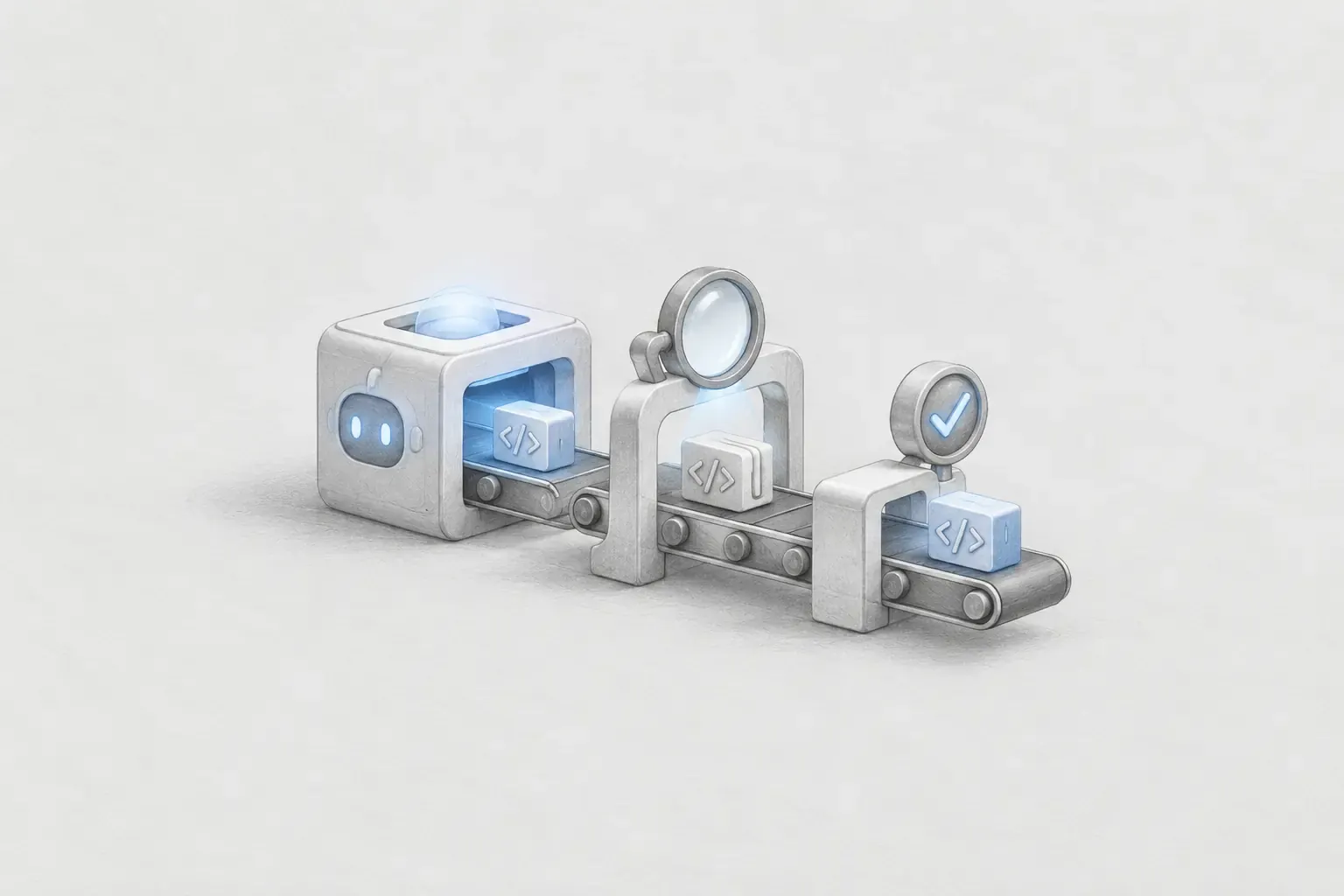
As AI coding assistants have become part of development, the cost of writing code has decreased significantly. When you describe the requirements, they can quickly generate the implementation code, and in the same way, they can also write test code to verify the implementation.
I, too, have actively used tests for verification when working with AI coding. Rather than accepting AI-generated code as the final result as-is, I create tests that reflect the requirements and run them to check the implementation results again. Since the cost of writing test code, as well as implementation code, has decreased, the burden of adding tests has also become lighter than before.
At one point, while using a Plugin that assists with the AI development Workflow, I took another look at TDD (Test-Driven Development). The Plugin I used was Superpowers, which applied TDD quite strongly to feature implementation. I was familiar with test code itself, but I had never actually applied TDD as a development method. Previously, I wrote tests to verify the result after implementation, whereas in TDD, tests are placed earlier in the development process. As I organized this difference, my interest led to questions such as “How can TDD be applied on the frontend?” and “Why do AI coding assistants and TDD work so well together?”
1. Writing test code and developing with TDD are different
The test-writing sequence I had previously been familiar with generally started with implementation. I wrote code that reflected the requirements and then added tests to check whether that code worked as intended. The basic sequence was the same when using AI coding.
요구사항 확인
    ↓
코드 구현
    ↓
테스트 코드 작성
    ↓
구현 결과 검증
TDD reverses this order. First, express requirements that have not yet been implemented as tests. The state in which the tests fail is RED. Then write the minimum code needed to make the currently failing tests pass and achieve GREEN, and proceed with REFACTOR to clean up the structure while the tests continue to pass.
요구사항
    ↓
RED      : 실패하는 테스트 작성
    ↓
GREEN    : 테스트를 통과시키는 최소 구현
    ↓
REFACTOR : 동작을 유지하며 코드 정리
    ↓
다음 요구사항으로 반복
For example, if the requirement is “Shipping is free when the order amount is at least 10,000 won,” you can write the test before the shipping-fee calculation logic.
@Test
void 만원_이상_주문하면_배송비는_무료이다() {
    int deliveryFee = calculateDeliveryFee(10_000);

    assertThat(deliveryFee).isEqualTo(0);
}
If calculateDeliveryFee does not yet exist, the test will fail. You then create the minimum implementation that satisfies the test and add the next requirement as another test. The important difference is not whether test code exists, but where the tests are positioned in the development process.
2. Tests shift from verification tools to executable requirements
In tests written after implementation, the already-created code serves as the reference point. In TDD, on the other hand, the requirements are first made concrete as tests, and the implementation code follows those tests.
구현 후 검증 : 구현 → 테스트 → 결과 확인
TDD          : 요구사항 → 테스트 → 구현 → 결과 확인
For example, for a login feature, you can express each behavior as a test, such as “Display a required-field message when submitting without an email,” “Disable the button while the login request is in progress,” and “Navigate to the main screen when login succeeds.”
A list of tests written this way becomes a list of small requirements that the feature must satisfy. The tests are no longer documentation that describes the current implementation; they become an executable specification expressing the behavior that must be implemented next.
3. So what should we test on the frontend?
After organizing the TDD flow, the first question that came to mind concerned the frontend. On the backend, inputs and outputs are relatively clear, with test targets such as method return values, whether exceptions are thrown, and state changes. On the frontend, by contrast, what the user sees on the screen and what actions they can take become important test targets.
처음 렌더링했을 때 무엇이 보이는가
버튼을 클릭하면 화면이 어떻게 변하는가
입력값이 잘못되었을 때 어떤 메시지가 나타나는가
요청 중 Loading 상태가 표시되는가
성공 / 빈 데이터 / 오류 상태가 올바르게 표현되는가
I had been more familiar with frontend verification through Storybook. Storybook is useful for checking and documenting multiple component states visually while separating components from the application as a whole. Unit and component tests, on the other hand, automatically verify whether the expected result continues to hold after a specific action.
Storybook
→ 컴포넌트의 여러 상태를 시각적으로 확인하고 문서화

Unit / Component Test
→ 정해진 동작이 계속 유지되는지 자동으로 검증
As I looked into frontend unit testing, I also organized my understanding of how tools such as Vitest, Testing Library, user-event, and jsdom each serve different roles.
Vitest
└─ 테스트 파일 실행, expect, mock / spy, 성공·실패 판정
   └─ Testing Library
      ├─ 컴포넌트 렌더링과 DOM 탐색
      └─ user-event : 클릭, 입력 등 사용자 행동 재현

jsdom
└─ Node.js 테스트 환경에 가상의 DOM 제공
Vitest runs tests and determines their results. Testing Library renders React or Vue components and helps locate elements from the user's perspective. user-event reproduces actions such as clicking and typing, while jsdom provides an environment for running DOM-based tests without launching an actual browser.
In particular, Testing Library recommends locating elements based on roles and names that users can recognize, rather than CSS classes or internal component structure.
screen.getByRole('button', { name: '로그인' });In other words, it checks whether “there is a button that users can recognize as a login button,” rather than whether “a class named login-button exists.” This means that frontend tests can also focus on behavior observable to users rather than on internal implementation details.
4. Red → Green → Refactor is the same on the frontend
For example, suppose we are creating a Counter component that initially displays 0 and increases the value by 1 when the increment button is clicked. With TDD, instead of completing the component first, we can begin by writing tests such as the following.
it('증가 버튼을 누르면 숫자가 1 증가한다', async () => {
    const user = userEvent.setup();
    render(<Counter />);

    expect(screen.getByText('현재 값: 0')).toBeVisible();
    await user.click(screen.getByRole('button', { name: '증가' }));
    expect(screen.getByText('현재 값: 1')).toBeVisible();
});
If the increment feature does not yet exist, this is RED. Once you add the Count state and click behavior and the tests pass, it becomes GREEN; then you organize the structure through REFACTOR. The tools and test targets used by the backend and frontend differ, but the basic TDD cycle is the same.
5. Why do AI coding assistants and TDD work so well together?
As discussed above, TDD first defines the behavior that needs to be implemented through tests. When an AI coding assistant is introduced into this structure, the tests become more than a specification: they become criteria that can be used throughout the work process. They align particularly well with the TDD flow in the following three ways.
They make completion conditions clear
With only the request “Implement the login feature,” it may be unclear when the work should be considered complete. Code compiling, an API being called, and a screen rendering are all different completion conditions.
If predefined tests exist, however, a failure signals that the corresponding behavior has not yet been satisfied, while a success signals that at least the conditions expressed in the tests have been met. This provides the AI coding assistant with a relatively clear standard by which to evaluate the implementation result.
Failure results become feedback for the next action
A test failure does not simply produce the result “wrong.” Information such as the difference between the expected and actual values and the location where an exception occurred provides clues for determining what needs to be changed.
코드 작성
   ↓
테스트 실행
   ↓
결과 관찰
   ↓
코드 수정
   ↓
다시 테스트
Based on these results, an AI coding assistant can modify the code and run the tests again. The tests create a feedback loop that makes it possible to observe the implementation result.
They help keep the scope of each implementation small
Because an AI coding assistant can generate a large amount of code in a short time, it may also expand the structure beyond the required scope or add abstractions that are not yet necessary. The GREEN phase of TDD prioritizes the minimum implementation needed to pass the currently failing test.
By implementing one small test at a time, you can limit not only “what to build” but also “how far to build it right now.” In an environment where code can be generated more quickly, this kind of scope control may actually become even more important.
After implementation is complete, they remain as a safety net
Applying TDD does not eliminate the value of the verification tests you have traditionally used. The tests that guided the implementation become regression tests that verify whether existing behavior has been broken when the code is later modified or refactored.
In other words, the “verification after implementation” that I have used with AI coding and TDD are not so much alternatives to each other as they are a relationship in which tests extend further into the earlier stages of development. Before implementation, they define the behavior; during implementation, they provide direction through success and failure; and after implementation, they remain a safety net that protects existing behavior.
6. Conclusion
Let us return to the question in the title. Rather than saying that the role of testing in the AI era has become something entirely new, it seems more appropriate to view it as having expanded into the early stages of the development process. As before, tests verify the implementation result, while in TDD they also define the behavior to be implemented and the completion conditions in advance, allowing execution results to be used as feedback for the next modification.
As the cost of creating both Production Code and Test Code with AI coding continues to decrease, what matters may be less how much code can be created quickly and more how we define and continually verify whether the code created satisfies the behavior we intended. From that perspective, I believe tests will remain an important development tool in the era of AI coding.
Thank you for reading.
Hhkk