

As I worked as a UI/UX developer, I have experienced the evolution of numerous modern web technologies. React, Vue.js has made the task of structuring screens significantly more convenient compared to the past, thanks to modern CSS layouts like Flexbox and Grid. However, there is one area that is an exception: the 'email template' domain.
In this class leader note project, I was responsible for the markup and componentization of three types of emails sent to users (Find ID, Reset Password, Confirmation Number Guide).
I expected that I could structure the UI as conveniently as usual, but the world of email templates is ruled by entirely different rules, as if it has regressed to the past, compared to the general modern web frontend ecosystem.
In this article, I will analyze the uniqueness and limitations of the email rendering environment, and to overcome this, React Email library will be introduced to share hands-on experiences in troubleshooting faced in a monorepo environment and working smoothly with the backend team.
The dilemma of email rendering: Why do we still have to use <table>?
Web browsers (Chrome, Safari, etc.) adhere to a common rule called 'web standards', but email clients read HTML in their own ways. The specific reasons why email templates cannot be developed with <div> like general web pages are as follows.
First. The limitation of Microsoft's Outlook rendering engine
Outlook, the most widely used email client in corporate environments, started using the document rendering engine of MS Word instead of a web browser engine from version 2007. Since Word is a document editor and not a web browser, it does not properly understand modern CSS layouts such as margin, padding, float, and flex, completely breaking the screen.
The only way to prevent layer collapse in Outlook is to follow the old method using a <table> structure as the skeleton.
Second. Security and style filtering policies of webmail services
Services like Gmail and Naver Mail allow users to check their emails over a web browser.
If the email body contains code like <style> body{background : black; }<style>, there is a risk that the entire background of the Naver mail website may turn black. To prevent such style conflicts and security issues, major webmail servers automatically delete <style> tags or external CSS <link> within the code.
Ultimately, to ensure the design looks the same across all environments from the latest smartphone Apple Mail to legacy Outlook, we had to adopt an inline style approach by dividing the entire area with the <table width='100%'> tag and injecting all styles in <td style='...'> form.
Introducing the ace in the hole ‘React Email’ and environment setting troubleshooting.
Hardcoding pure HTML and <table> tags while writing inline styles stitch by stitch results in the worst experience in terms of development and maintenance. This is because every time you need to edit a single text or margin, you have to track the stacked <tr> and <td> tags. To solve this, we decided to introduce the React Email library that can safely extract HTML for emails while maintaining the existing React ecosystem.
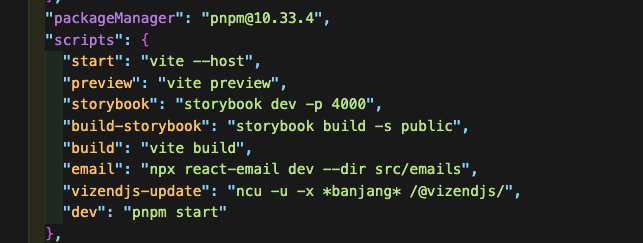
The current project is configured in a pnpm-based monorepo workspace environment. At the beginning of the introduction, when executing commands to launch the local preview server, we encountered unexpected errors.
> pnpm -F @vizendjs/episode-banjang email sh: react-email: command not found ERR_PNPM_RECURSIVE_RUN_FIRST_FAIL-
We thought we could simply install it from the root path, but due to the nature of monorepo, scripts are executed within a specific package (@vizendjs/episode-banjang), which caused the execution links to break. To resolve this, we specified the workspace and directly installed the library (pnpm -F @vizendjs/episode-banjang add -D react-email), and successfully built the local dashboard environment by re-running pnpm install from the root path to restore the dependency links.
Full-fledged template development and key troubleshooting.
We set up the local dashboard (localhost:3000) and proceeded with development while rendering components in real-time. The two major technical challenges we faced during this process and their solutions are as follows.
1. Mobile responsive support without media queries (Fluid Table)
In general web publishing, the @media query is used to branch mobile views, but as mentioned earlier, media queries are often ignored in email environments. Therefore, instead of branching mobile-specific code, we utilized a 'Fluid Table' approach by combining max-width (max-width) and 100% width to make it shrink automatically as the screen narrows.
By applying maxWidth: '600px', width: '100%', margin: '0 auto' styles to the <Container> component provided by React Email, we fixed the width to 600px for readability on PC, and flexibly supported screens to fully occupy 100% on mobile devices below 600px.
2. Image rendering issue: The deadly trap of Base64
The handling of the path for the 'Ban Jang Note' logo and illustration images included in the email was the point that I pondered the deepest.
Initially, I worked with a local test path (http://localhost:3000/images/...), but when sending actual emails, the user cannot access the local environment, so images appear broken. Without waiting for server setup, I wanted to solve it myself, converting the images into an extremely long string,Base64I reviewed the method of directly embedding it within the HTML. However, research showed that this approach has two critical flaws in the email environment.
Email content is truncated (exceeds size)
In the case of Gmail, if the HTML code exceeds 102KB, it forcibly truncates the bottom of the email and displays a "View entire message" link. When using Base64, the code exponentially increases in length, causing the entire email template to break 100% of the time.
Security filtering (broken images)
Major webmail services like Outlook completely block images inserted in Base64 to prevent spam and malware.
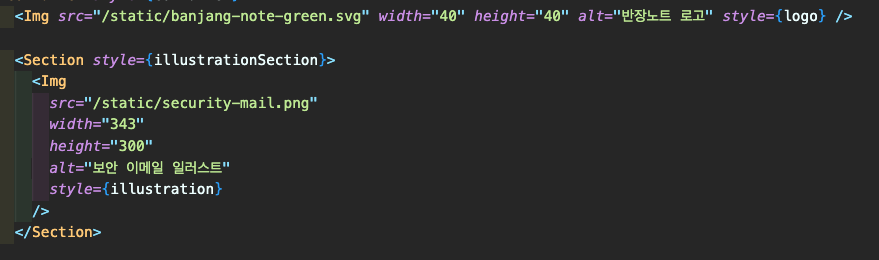
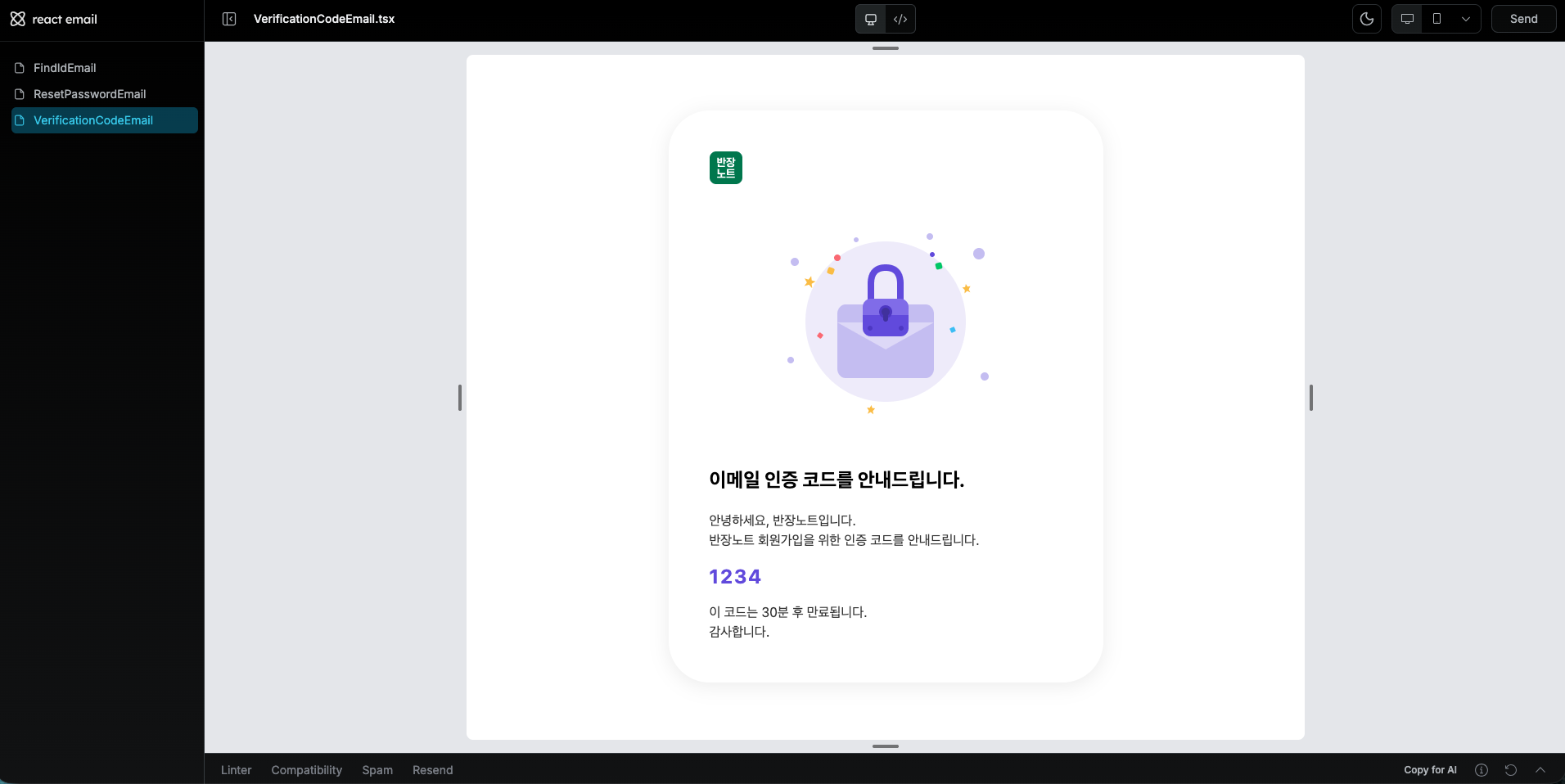
Ultimately, the images in the email template must beuploaded to an external server (CDN, S3, etc.) and must use a public absolute path (URL).At that time, since the image upload path for the backend server had not yet been confirmed, I initially connected it to a local path in the code and fixed the layout before moving on to the next stage of collaborating with the backend.
Managing inline styles in the form of objects to improve readability
One of the biggest pains in email templates is the 'inline style' method where all CSS must be written directly within the tags. In a pure HTML environment, the readability of the code significantly decreases as styles are lengthy within a single tag like <td style="font-size: 16px; color: #000; line-height: 1.6; ...">.
In this task, I leveraged the advantages of the React environment to solve this problem by utilizing JavaScript objects. I separated complex style properties into an independent constant object at the bottom of the file without writing them directly in the markup.
// 1. Keep the markup area clean so that only the structure can be identified
<Text style={codeText}> {verificationCode} </Text>
<Text style={footerText}> This code will expire in 30 minutes.<br />Thank you. </Text>
// 2. Manage the style objects separately at the bottom of the file.
const codeText = {
fontSize: '40px',
fontWeight: 'bold',
color: '#5C5CFF',
letterSpacing: '2px',
marginBottom: '40px',
};
const footerText = {
fontSize: '16px',
color: '#000000',
lineHeight: '1.6',
};-
By physically separating the markup area from the style definition area, it has become much easier to read the code at a glance and understand the structure. In the future, when you need to modify font sizes or colors, you can simply find the style object below and change the values without having to navigate through a complex forest of tags, which has greatly improved the developer experience (DX) and maintainability compared to the traditional HTML hardcoding approach.
Collaboration process for output extraction and backend (server) integration
The React component (.tsx) written in the frontend part cannot run on the mail server by itself, so it had to be extracted (exported) to pure HTML and handed over to the backend developer.
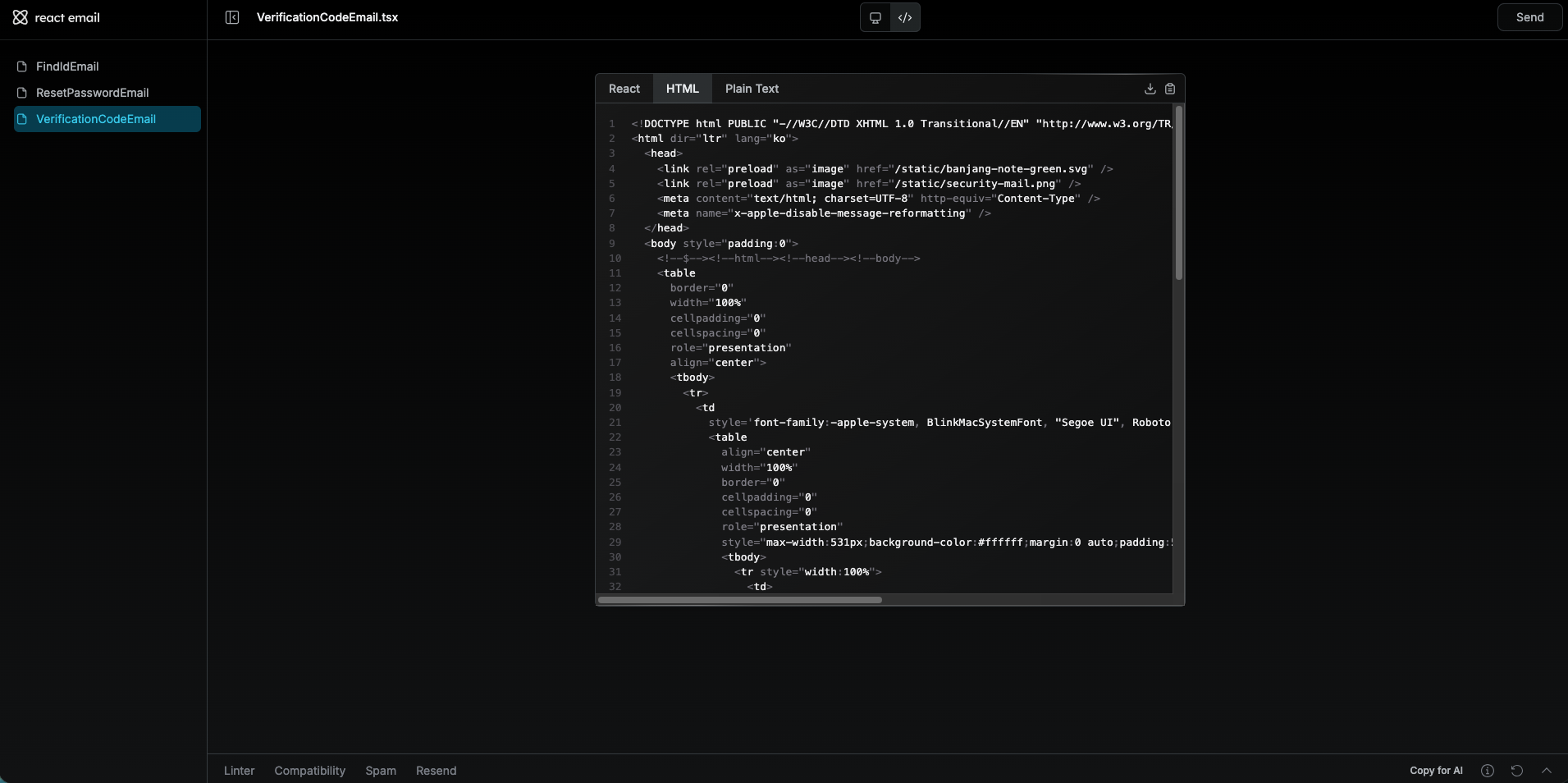
After extracting the .html files converted through the email:export script set in package.json, I detailed 'Email Template Markup Deliverables and Integration Guide' in Notion to communicate smoothly with the backend developer. The aim was not just to throw files, but to prevent potential trial and error that may occur during server integration.
Essential guide content for collaboration
Dynamic data (variable) substitution format pre-definition:To easily bind member information in the backend template engine, temporary variable formats have been regularly inserted within the HTML. (e.g., username is {{userName}}, 6-digit verification code is {{verificationCode}}, etc.)
Handling and Guidance for Unconfirmed Image Paths:I have clearly informed through the company messenger and guide document that "the image production has been completed, but the absolute path has not been set yet, so I have temporarily set the area for layout maintenance. Once the server setup is complete, please replace the src attribute with the live server URL."
Thanks to this proactive sharing, the backend team was not flustered and could immediately proceed with their integration tasks (such as SMTP sending tests) without delay, thinking *"I can just replace the image URL later."*
The value of documentation and collaboration beyond technical constraints
The recent work on the class president's note email template was a very challenging task that had to consider the limitations of outdated web standards and fragmented client environments at the same time. However, by boldly adopting the modern technology stack of React Email, breaking away from the manual hardcoding approach that I had been accustomed to for eight years, we were able to successfully integrate the advantages of the frontend development environment while escaping the pains of maintenance.
The most meaningful point was that it was not just about writing code and designing the screen beautifully. I logically derived technical alternatives such as avoiding Base64 and structuring Fluid Tables, and I prepared guide documents to ensure that the backend engineers could continue their work seamlessly even in an unfinished infrastructure (absence of image paths).
Through this experience, 'technical skill' for a developer is not simply the ability to handle the latest libraries, The ability to accurately understand the given constraints and facilitate smooth collaboration with other departments through communication and documentation skillsI deeply realized once again that. In the future, I will grow as a publisher who proactively thinks about and applies ways to enhance the productivity and code quality of the entire organization without getting complacent with familiar methods.
sangsooni