
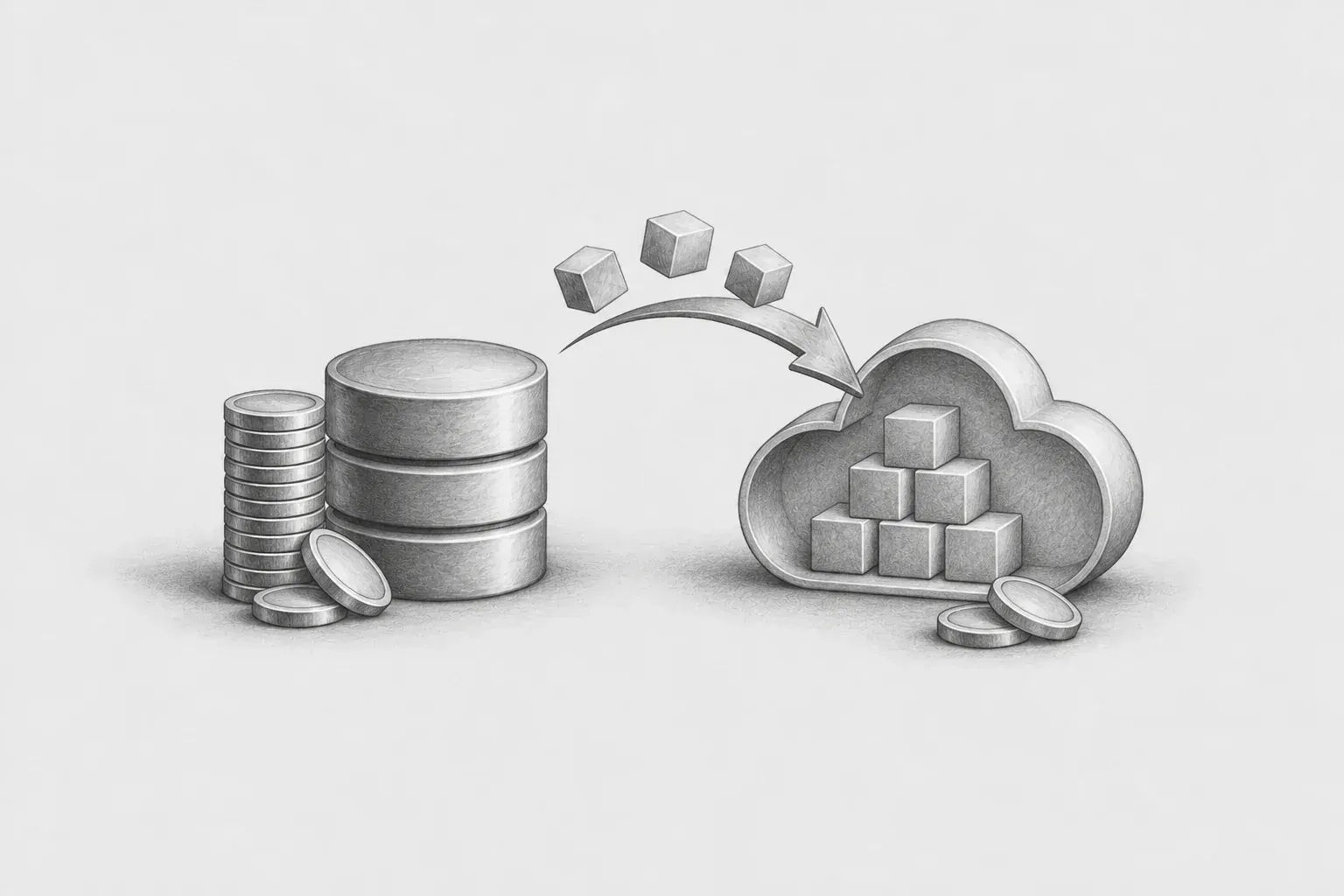
-The Savior That Defused the DB Cost Bomb: Introducing S3-Based Data Tiering-
More Services, and a DB Cost Bomb That Quietly Creeped Up
In our recent projects, the number of services was growing, and we were adding a lot of new functionality. As a result, we had to contend with data growing exponentially and infrastructure costs rising in proportion.
The growth in logs was especially staggering because we had adopted a microservices architecture (MSA). Even a single user request triggered a chain of internal distributed calls across numerous microservices via the gateway. To trace and monitor transactions across the entire system, we had to meticulously record distributed logs for each independent service. This resulted in vast amounts of log data being generated simultaneously—on a scale incomparable to that of a monolithic architecture.
Initially, we chose MongoDB as the storage system for these distributed logs. In an MSA environment, each service may use a slightly different log format, and MongoDB’s flexible document structure meant we didn’t have to worry about schema changes. Its fast write performance, which could handle huge volumes of logs pouring in from multiple microservices at once, and its convenient dashboard integration were also major advantages.
However, as the number of microservices grew and the services expanded rapidly, log data that had amounted to hundreds of GB per month soon ballooned to several TB, quickly consuming database capacity. Performance was an even bigger problem. To maintain performance, MongoDB uses the WiredTiger cache engine, which keeps indexes and frequently accessed data in memory (RAM). As the volume of log data increased, index sizes grew as well. Once they exceeded our limited RAM capacity, a damaging chain reaction followed.-
-
RAM pressure and disk I/O bottlenecks: As memory ran low, the database had to read and write pages on disk much more frequently, which immediately led to query latency in production services.
-
Replica set tripled costs: To ensure availability, we had configured a cluster of three EC2 instances with high-performance SSDs. This meant that storing 1 TB of logs actually required us to pay for 3 TB of high-cost storage.
An analysis of our operations showed that most log queries were limited to data from the past three days. Older logs were used only occasionally, for purposes such as post-mortem analysis or regulatory audits. We decided to separate older data that was taking up expensive DB storage and RAM, dramatically lowering our infrastructure costs. Our solution was to introduce data tiering, an architecture that could deliver both performance and cost savings.
Designing a Data Tiering Architecture
The key to data tiering is to optimize where data is stored based on its access frequency and business requirements, rather than putting everything in the same storage system. To maximize cost savings while minimizing operational overhead, we kept things simple and divided storage into just two tiers—Hot Tier and Cold Tier—instead of using a complex, multi-tier structure:
- Hot Tier (past 30 days): A high-performance tier for real-time debugging
-
Storage: MongoDB
-
Purpose: Live error monitoring, issue tracking for recently deployed features, and distributed tracing across MSA services
-
Design approach: Data from the past month is “hot” data that development and operations teams query most frequently to respond to incidents and debug issues. Performance is therefore our top priority.
- Cold Tier (31 days to 1 year): A cost-saving tier for regulatory compliance and archiving
-
Storage: AWS S3 Standard
-
Purpose: Tracking rare bugs from several months ago, long-term statistical analysis, and responding to security and legal audits
-
Design approach: After a month, log data becomes “cold,” as its query frequency drops sharply. We remove all indexes for this tier and store the data in compressed files in S3 Standard. S3 Standard has no separate data indexing costs, and its cost per unit of storage is 10 to 25 times or more lower than MongoDB’s.
The greatest engineering benefit of this 2-tier architecture is that it completely separates storage from computing. In the old architecture, increasing log volume meant scaling up not only disk capacity but also the MongoDB server itself to handle ever-growing indexes. In other words, we were paying for expensive compute and memory as a package simply to “store” data. By moving data older than 30 days to S3, a serverless object storage service, we made it possible to scale these two resources independently. MongoDB now retains only a predictable 30-day window of data, maintaining top performance at a minimal fixed cost. Meanwhile, we can use S3’s inexpensive, virtually limitless storage for several terabytes of historical data, maximizing the scalability of our infrastructure.
Building an Automation Pipeline
Even the most ideal architecture isn’t sustainable if engineers have to manually move and delete data. We built an automated data pipeline to safely delete logs older than 30 days from MongoDB and archive them in S3 Standard. The pipeline consists of the following main steps:
-
Find logs older than 30 days in MongoDB and process the data
-
Back up the data to S3 and configure the backup to be automatically deleted after one year
-
Delete the backed-up data from MongoDB
In a real production environment, tens of millions of log entries can arrive in a single day. Loading all that data into memory at once would immediately lead to an OOM (Out Of Memory) failure. To reduce memory pressure, we adopted the following strategies:
-
Cursor-based pagination: Safely retrieve data in batches of a few thousand records (2,000 records).
-
Streaming out to disk: Instead of keeping data read from the DB in memory, immediately stream it to the file system and write it to a local temporary file (Temp File).
-
Batch delete: Collect the IDs of migrated records and safely delete them in batches of 10,000 to avoid putting pressure on the disk.
Here is the code for the migration pipeline that implements this core workflow.
private <T> void executeLogMigrationPipeline(...) {
    List<String> logIds = new ArrayList<>();

    // 1. 메모리 오버헤드를 방지하기 위한 임시(Temp) 파일 생성
    Path tempFile = Files.createTempFile(filePrefix, ".json");

    // 2. Jackson SequenceWriter를 활용해 디스크로 즉시 스트리밍 (JSON Array 구조)
    try (var fileOut = Files.newOutputStream(tempFile);
         var seqWriter = objectMapper.writer().writeValuesAsArray(fileOut)) {

        int pageCounter = 0;
        int pageSize = 2000;

        while (true) {
            // DB에서 정해진 배치 사이즈만큼 순차 조회
            Pageable pageable = PageRequest.of(pageCounter++, pageSize, Sort.by("registrationTime"));
            List<T> logs = logFinder.apply(targetEpochMillisToMove, pageable);
            if (logs.isEmpty()) break;

            // ID 수집 및 파일에 즉시 기록 (메모리 점유 방지)
            logIds.addAll(logs.stream().map(idExtractor).toList());
            LogHelper.appendLogsToJsonStream(logs, seqWriter);

            if (logs.size() < pageSize) break;
        }
    }

    // 3. S3 스토리지(Depot)로 안전하게 파일 업로드
    if (!logIds.isEmpty() && Files.exists(tempFile)) {
        depotProxy.uploadDTSPFiles(remoteFilePath, new FileSystemResource(tempFile.toFile()), targetEpochMillisToRemoval);

        // 4. 대량의 DB 쓰기 부하를 방지하기 위해 10,000건씩 쪼개서 삭제(Bulk Delete)
        int deleteBatchSize = 10000;
        for (int i = 0; i < logIds.size(); i += deleteBatchSize) {
            List<String> subBatchIds = logIds.subList(i, Math.min(i + deleteBatchSize, logIds.size()));
            batchRemover.accept(subBatchIds);
        }
    }

    // 5. 작업이 끝나면 로컬 임시 파일 자원 해제 (Retry 로직 포함)
    cleanUpTempFile(tempFile);
}
Thanks to a design that uses generics (T) and functional interfaces (BiFunction, Consumer), we were also able to make the same migration pipeline logic reusable across different log types and formats. With MongoDB now retaining only the most recent 30 days of logs, the previously bloated indexes fit comfortably within our RAM capacity. This completely eliminated disk I/O bottlenecks and improved average query response time (Latency) in production. We also saved on the DB storage costs that had previously been a significant expense. Comparing the cost per TB, S3 Standard was overwhelmingly cheaper than our MongoDB cluster, allowing us to save a substantial portion of our overall log infrastructure costs.
Conclusion
As many services take off, teams often resort to a quick fix: scaling up their database as the volume of data grows. But the business value of data and how often it is accessed inevitably change over time. Introducing S3-based data tiering was about more than simply shaving a few dollars off our costs; it was an experience in architecturally resolving the mismatch between business requirements and technical costs. The most expensive, heavyweight storage isn’t always the right answer. Understanding the nature and “temperature” of our system’s data and placing it where it belongs—that may be the real role of an engineer tackling an infrastructure cost bomb. I hope this post offers a useful hint to anyone wrestling with growing data and infrastructure costs.
Hustle Paul