
Introduction
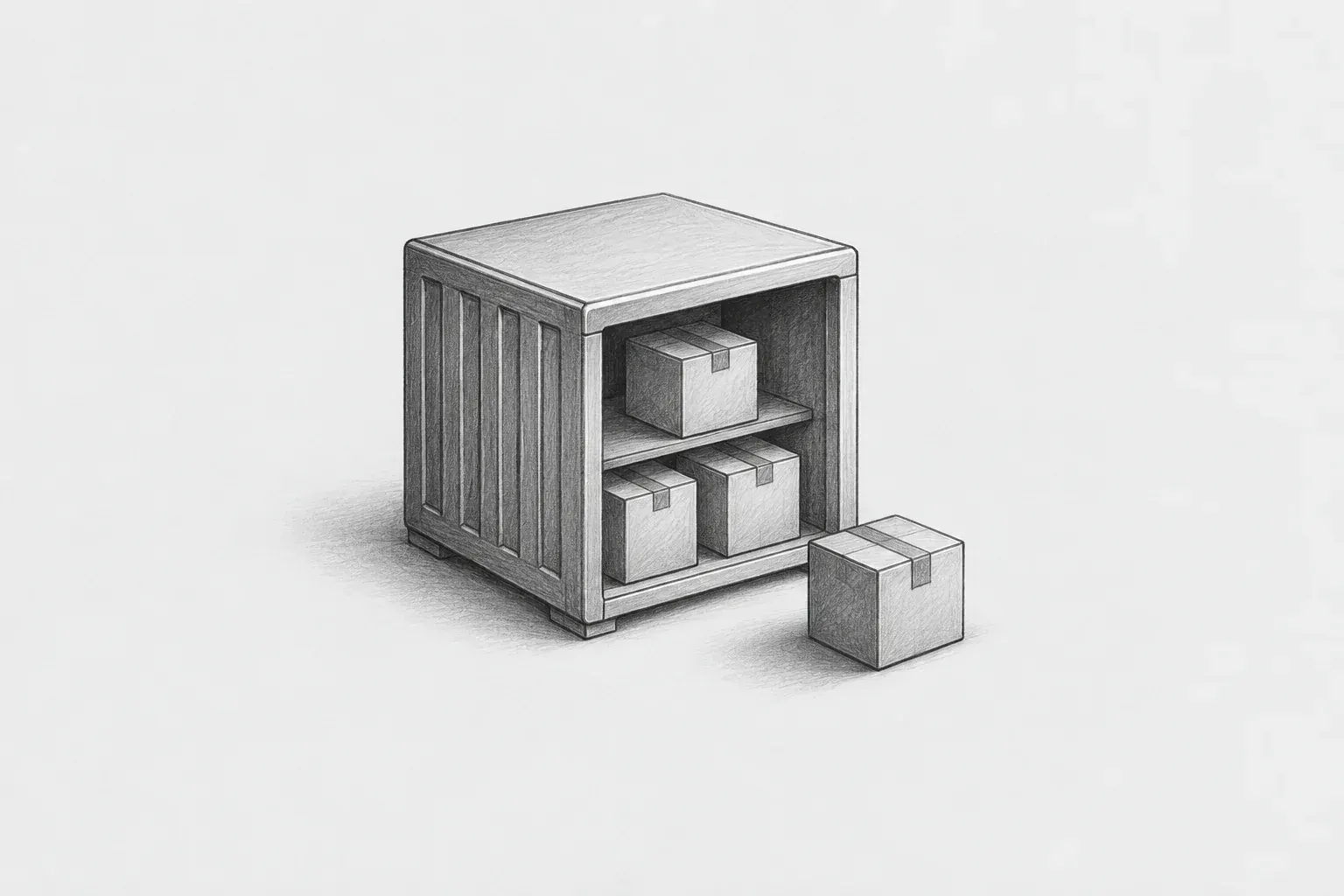
In one sentence, Nexus Repository is a shared in-house warehouse for development components. It is a server that collects and manages libraries, packages, Docker images, and similar resources used in development in one place so they can be retrieved whenever needed.
At present, developers each download what they need from the Internet. Twenty people may download the same library twenty times, and if an external site briefly goes down, everyone's builds stop at the same time. Nexus stands between them, downloading an item once and distributing it to everyone.
Nexus performs three main functions.
-
Download and store — Cache libraries downloaded from external sources inside the organization.
-
Store our own artifacts — Store shared modules we create and build results.
-
Combine them behind a single entry point — Combine multiple repositories and expose them through a single address.
Repository Features
There are three main types of repositories.
-
Proxy Repository - Queries external repositories on their behalf and can cache the results.
-
Hosted Repository – Allows us to upload artifacts we create directly to the Repository.
-
Group Repository – Used to combine multiple repositories under a single address.
If an administrator combines Proxy and Hosted Repositories into a Group Repository, users can use the Group Repository when accessing repositories, meaning they only need to use a single Repository.
Example Repository Configuration
|
Repository name |
Format |
Type |
Purpose |
|---|---|---|---|
|
maven-public |
maven2 |
group |
Address used by backend developers (combines the three repositories below) |
|
maven-releases |
maven2 |
hosted |
Official release JARs we create |
|
maven-snapshots |
maven2 |
hosted |
JARs under development |
|
maven-mirror |
maven2 |
hosted |
Libraries brought in from external sources |
Package Formats Supported by Nexus
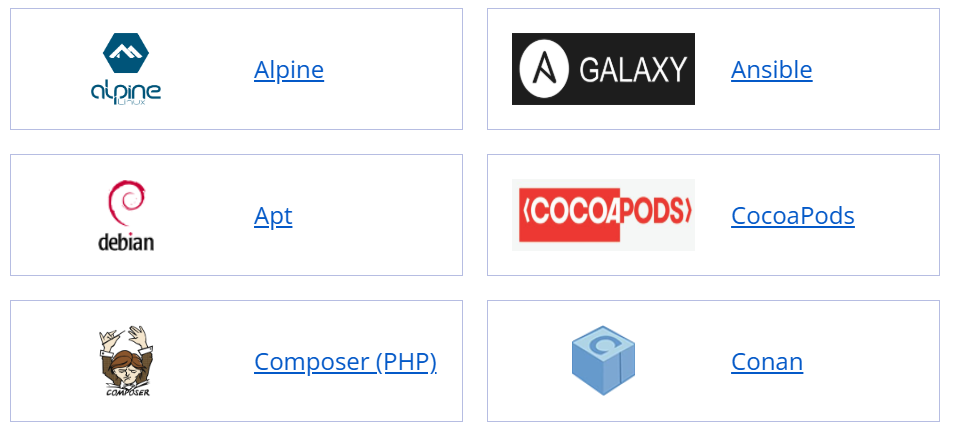
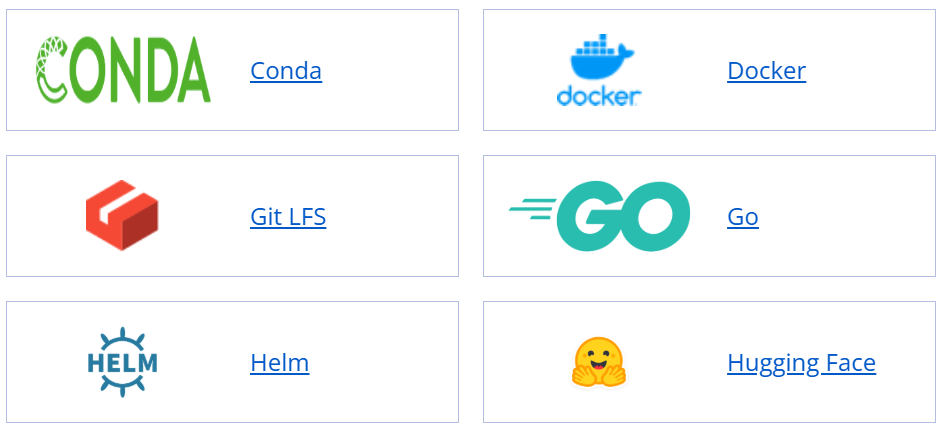
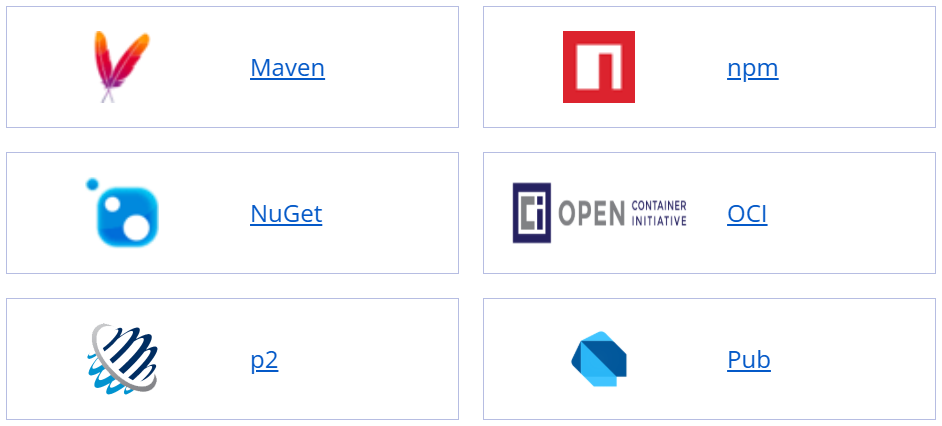
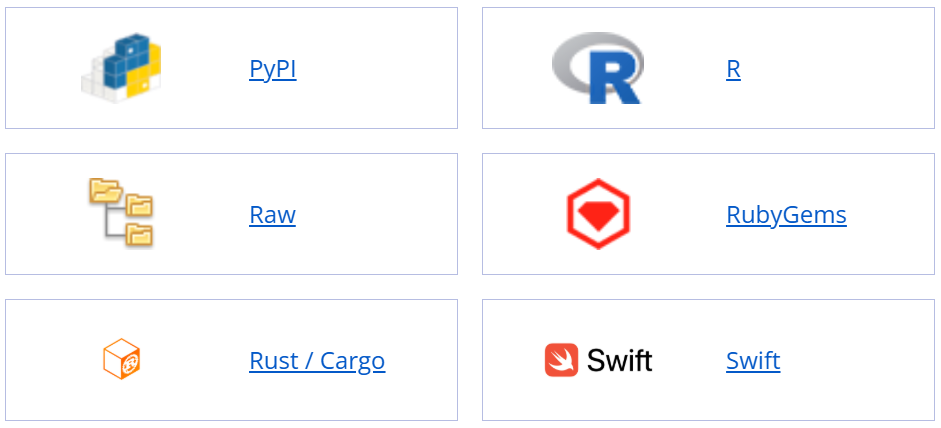
Its greatest advantage is that it can handle more than 20 formats, including Java (Maven·Gradle), frontend (npm), Python, Docker images, and Linux packages, all on a single server. There is no need to set up separate repositories for each language. The following are the supported package types; Terraform, Yum, and others are also supported.
Use in Internal Networks
Network separation creates one major constraint. Servers on the internal network cannot access the Internet. Therefore, they cannot use Proxy repositories that "purchase items on their behalf from outside," and an import process is required to bring in items downloaded in advance from external sources.
The most widely used configuration is to deploy two Nexus instances. One is placed on an external network (or in the DMZ) to download the required items in advance, while the other is placed on the internal network to distribute them to developers. Items are transferred between the two through a network interconnection system on a regular basis.
  [인터넷] → [외부망 Nexus · Proxy] ← 필요한 것을 미리 받아 캐싱
                    ↓ 추출 → 검증(해시·백신·취약점) → 승인
      ═══ 망분리 경계 · 망연계 시스템으로 전송 ═══
                    ↓
  [내부망 Nexus · Hosted] → [개발자 PC / CI 서버]
Benefits of Introducing Nexus to an Internal Network
|
Category |
Before introduction |
After introduction |
|---|---|---|
|
Adding libraries |
Wait several days after submitting an import request |
Items already imported can be used immediately |
|
Dependencies |
Submit a new request for each missing item |
Secure everything at once with a single build |
|
New setup |
It takes days to configure the environment |
One build command is all it takes |
|
Intake paths and auditing |
USB drives, email, and more—all different, making proof difficult |
A single gateway, where records serve as evidence |
From a security perspective
Even when using Nexus on an internal network, it is exposed to the external Nexus server, so configuring the Roles and Privileges of each account and repository is important.
Privileges allow you to divide users' permissions for using repositories.
The representative functions are browse, read, add, edit, and delete. Therefore, if a developer only needs download access, you can grant only read and browse, and add the add privilege only when uploading is required.
Because administrator accounts have all privileges, using them for ordinary Artifact upload or download operations is not recommended.
Sonatype also recommends limiting use of the admin account to cases requiring full privileges, such as initial setup or administrative tasks, and using a separate account with restricted privileges during normal operations.
Practical example (Java + Gradle)
(1) Credentials — gradle.properties
To avoid putting passwords in the source code, use a configuration file in the home directory or environment variables. In CI, it is recommended to issue and use a Nexus User Token instead of a personal account.
# ~/.gradle/gradle.properties
nexusUrl=https://nexus.example.local
nexusUser=build-bot
nexusToken=xxxxxxxx-xxxx-xxxx
(2) Where to retrieve libraries — settings.gradle
Gradle pluginsand librariesare retrieved through different paths. You must specify both. If you miss this in a closed network, you may encounter a situation where "the library is downloaded, but the process stops at the plugin."
pluginManagement {
    repositories {
        maven {
            url = uri("${nexusUrl}/repository/gradle-plugins/")
            credentials { username = nexusUser; password = nexusToken }
        }
    }
}

dependencyResolutionManagement {
    // 하위 모듈이 mavenCentral()을 임의로 선언하지 못하게 막습니다
    repositoriesMode = RepositoriesMode.FAIL_ON_PROJECT_REPOS
    repositories {
        maven {
            url = uri("${nexusUrl}/repository/maven-public/")
            credentials { username = nexusUser; password = nexusToken }
        }
    }
}
(3) Uploading build artifacts — build.gradle
If the version has SNAPSHOT appended, it is sent to the development repository; otherwise, it is sent to the release repository. It is a good idea to prevent overwrites in the release repository through the Nexus settings. This can structurally prevent situations where the contents differ despite having the same version.
plugins { id 'java'; id 'maven-publish' }

publishing {
    publications { maven(MavenPublication) { from components.java } }
    repositories {
        maven {
            url = version.toString().endsWith('SNAPSHOT')
                ? "${nexusUrl}/repository/maven-snapshots/"
                : "${nexusUrl}/repository/maven-releases/"
            credentials { username = nexusUser; password = nexusToken }
        }
    }
}
Commonly encountered issues
-
When building and uploading files, there are occasional cases where the file is uploaded but Gradle cannot find it because the metadata was not updated. Run Nexus's Repair - Rebuild Maven repository metadata task, or click Invalidate cache in the repository to clear the cache.
-
You need to manage the capacity of the Nexus server. Data continuously brought into Proxy and Hosted repositories will continue to accumulate. Administrators should use Cleanup Policy settings to manage the cleanup of old snapshot data. Run Compact blob store regularly.
Conclusion
Nexus is not a flashy tool. However, once it is set up, developers no longer have to wait for libraries, and security personnel can check what has entered in one place. People often say that security and development speed conflict, but at least in this area, a well-designed single gateway improves both.
References
· Sonatype Nexus Repository official documentation — Repository Types / Community Edition Onboarding (help.sonatype.com)
Bang