
Introduction
As a project to add AI chatbot functionality got underway, I was assigned the part involving “enabling the LLM to query system data.” For the LLM to answer users’ questions, it ultimately needs to see the real-time data held by our system, and figuring out how to connect the two was my responsibility.
I was already familiar with the concept of MCP (Model Context Protocol). I had encountered it in the news and documentation as a standard protocol that attaches “tools” to an LLM so that it can interact with external systems, and I also knew that several AI services had recently adopted it. But that meant I “knew about it”—not that I had “built it.” There was a larger-than-expected gap between being able to explain the concept and actually setting up a Spring Boot project as an MCP server and bringing it to an operational level.
This article is a record of what I learned while bridging that gap, as well as how much Spring AI actually does for you in the process.
1. The Problem — Knowing the Concept but Not Knowing Where to Start
1-1. The Problem I Had to Solve in This Project
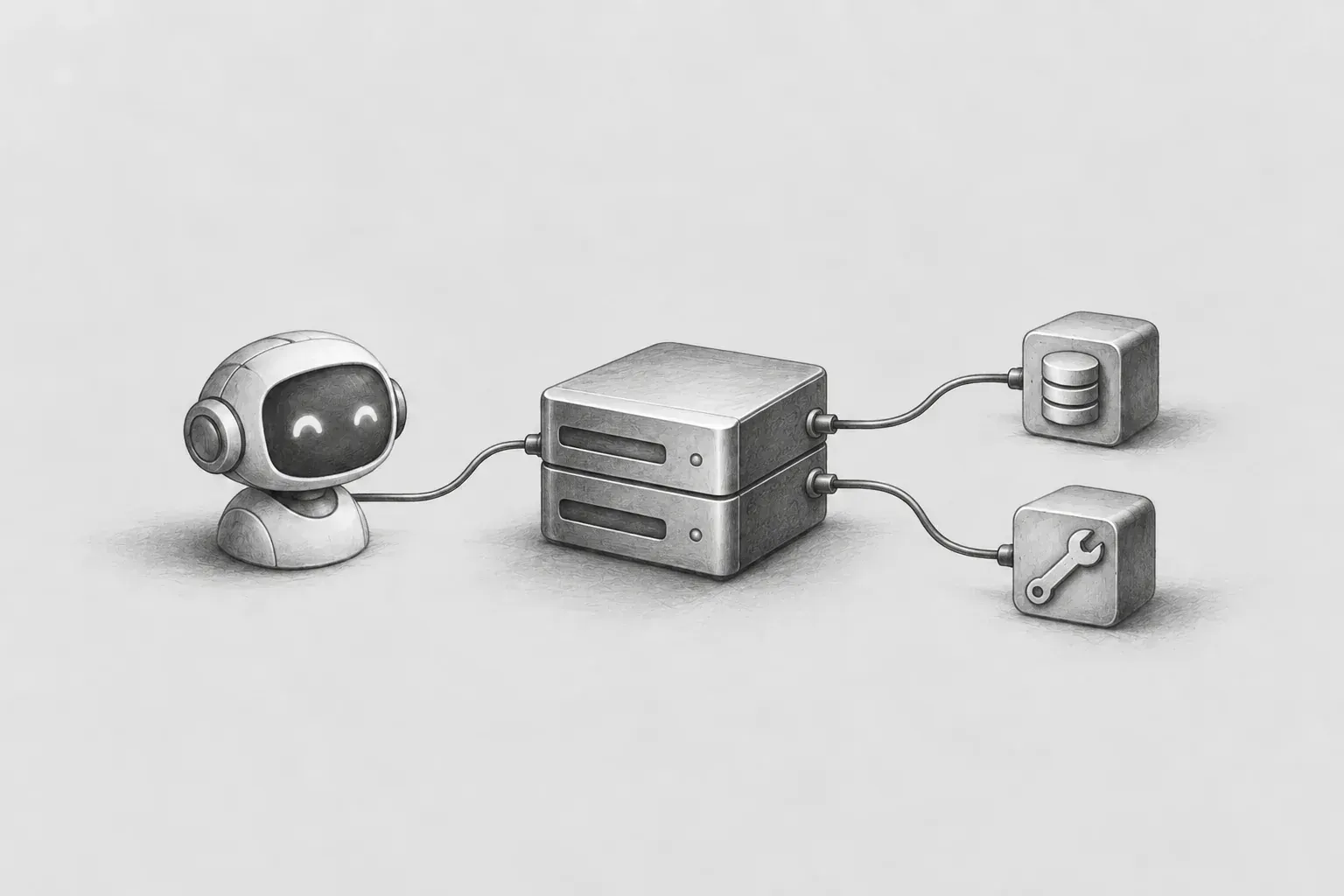
Our team’s AI chatbot architecture was organized as follows.
UI → AI 서버 → LLM
        ↓ (MCP)
     MCP 서버
        ↓
MSA로 각각의 데이터를 수집하고 있는 서비스들
When a user asks, “Are there any devices that are not collecting data right now?”, the AI server uses the LLM to determine that “a tool for querying the server list is needed to answer this question,” and passes that tool call via MCP to the MCP server I built. The MCP server converts the request into an actual REST API call to the server management service, executes it, organizes the result into a format that the LLM can easily understand, and returns it.
What I was responsible for was precisely this MCP server. In other words, it was the task of building a “existing internal system’s functionality, AIcan use in a usable form newly exposing server”from scratch.
1-2. What Needed to Be Developed
Reading the MCP specification, it is easy to understand that it is a protocol through which JSON-RPC messages such as initialize, tools/list, and tools/call are exchanged. However, once I actually started development, a flood of specific questions arose.
- Did I need to implement this protocol directly as a Spring Boot controller? If I had to write the JSON-RPC routing, session management (Mcp-Session-Id), and Streamable HTTP transport all by hand, it would have been a case of the tail wagging the dog.
- How should a “Tool” be represented in code? Is one method simply one tool, or do I need to implement a separate interface?
- Who creates the tool’s input/output specification (JSON Schema)? The MCP client (on the LLM side) needs to know what parameters a tool accepts before calling it. If I had to write the schema by hand every time, it seemed that adding even one tool would generate a huge amount of boilerplate.
- Our service already has several backend services, including server management and device management, and each has its own REST API conventions and client library. When wrapping these as MCP tools, how should I structure this project so that other team members will not be confused when they later add other services?
In short, the problem was not “what MCP is.” “How to structurethe ecosystem within this and organize the structure and write it in Spring Boot”was the real problem.
2. Solution — Spring AI’s MCP Server Support
I decided to solve this problem using Spring AI (Spring’s official AI integration project), a framework in the Spring ecosystem. Spring AI provides a starter for implementing MCP servers, and it takes care of two major things for you.
- Protocol level processing: The framework handles routing MCP protocol messages such as initialize, tools/list, and tools/call, as well as session management.
- Annotation based tool etc.record: Developers simply add an annotation saying “this is a tool” to an ordinary method, and the framework automatically handles the rest (schema generation, registration, and connecting the call).
The reason for choosing this was clear.
- existing with the stack natural integration: Our backend is entirely based on Spring Boot + Gradle, and the client libraries for each service also operate within the Spring ecosystem. If the MCP server uses the same stack, team members can understand it immediately without any learning curve.
- annotation based tool addition cost low: If adding a new tool can be completed with “writing one method + adding a few annotations,” then other team members can simply repeat the same pattern when they add tools for other domains in the future.
- protocol implementation details freedom: Things such as the JSON-RPC message format, session management, and error response format must be implemented precisely according to the specification to communicate properly with the client (the MCP client on the LLM side). It was decisive that the framework handled these low-level details on our behalf.
As a result, one dependency in build.gradle and a few lines of configuration in application.yml made up the entire skeleton of this project's MCP server.
spring:
  ai:
    mcp:
      server:
        name: my-mcp-server
        protocol: STREAMABLE
        type: SYNC
        annotation-scanner:
          enabled: true
3. Implementation Examples — What Spring AI Actually Handles for You
From here on, I have organized the points where I actually felt, “Ah, so this is why we use a framework,” while writing the code.
3-1. Verify It Directly with MCP Inspector
Even if the protocol is theoretically handled automatically, you need to see it with your own eyes to feel reassured. What you can use at this point is MCP Inspector. It is a web-based MCP server testing/debugging tool officially distributed by Anthropic, and it can be run immediately with the following single line, without any separate installation.
npx @modelcontextprotocol/inspectorWhen run with the code above, you can test and inspect the tool under development through the web UI. Servers screen, click Add Servers and select the Transport Type Streamable HTTP, then enter the MCP endpoint address of the server under development (for example, http://localhost:8088/mcp) to connect. After connecting, the list of tools I registered with annotations appears as-is in the Tools tab, including their names, descriptions, and input schemas, and you can select a tool, fill in its parameters, and call it directly.
By clicking around directly on this screen, I was able to verify that this is exactly the flow that takes place at the protocol level.
- When an initialize request is sent, the server creates a session and returns Mcp-Session-Id in the response header.
- Subsequent requests can be sent with this session ID in the header, and
- when tools/list is called, the list of tools I registered with annotations is automatically returned along with their names, descriptions, and input schemas.
- When an actual tool is called with tools/call, the Java method I wrote is executed, and its return value is automatically wrapped in the MCP response format (content, isError, and so on).
There is not a single line of this protocol-handling logic in the code I wrote. If I had implemented this part myself, I think I would have spent the first few weeks of the project purely “reimplementing the MCP specification.”
There was also one part that actually confused me while testing. When calling a tool that accepts an array (List) type parameter, I simply entered one value in the Inspector input field, which resulted in a schema validation error saying “integer found, array expected.” The schema returned by the server itself was correctly an array, but I did not know that I had to enter it as a JSON array such as ["value1", "value2"] in the input field. This is difficult to learn from documentation alone; it was a detail I only discovered by calling the tools one by one myself.
3-2. @McpTool / @McpToolParam — The Structure Where One Method Becomes One Tool
If we simplify one of the tools we actually created, it looks like this.
@McpTool(
        name = "findServers",
        description = "서버 목록을 조회합니다. "
                + "이름 부분 문자열로 필터링할 수 있습니다.",
        annotations = @McpTool.McpAnnotations(
                title = "서버 목록 조회",
                readOnlyHint = true,
                destructiveHint = false,
                idempotentHint = true,
                openWorldHint = false
        )
)
public List<GatewaySummary> findGateways(
        @McpToolParam(description = "서버 이름 필터용 문자열", required = false)
        String nameFilter
) {
    // 내부적으로는 서버 관리 서비스의 기존 API 클라이언트를 그대로 호출
}
When this code runs, the framework automatically handles the following.
- Automatically generates a JSON Schema ({"type": "string"}) by analyzing the method signature (String nameFilter)
- The description serves as the basis for the LLM to determine “when to use this tool.” In other words, how specifically this description is written directly affects whether the LLM can actually select and use the tool effectively.
- readOnlyHint, destructiveHint, idempotentHint, and openWorldHint in McpAnnotations are metadata defined in the MCP specification about “what impact this tool has on the system.” Since all of ours are read-only tools, we standardized them as readOnlyHint=true and destructiveHint=false. These hints are used by the client to determine “whether this tool can be safely called repeatedly.”
- The return type is also serialized to JSON and included in the response without any separate conversion code.
In other words, the code I actually wrote was “an existing API client to call the results and organize a typical Java method”—that was all. The MCP-specific parts consisted of just a few annotations; everything else followed the same approach that Spring developers are already familiar with.
3-3. Wrapping multiple backends in a single consistent structure
Within the company, there are already several backend services responsible for server management, equipment management, data collection, and alerts/monitoring, each with its own client library. In this project, we reused them as they were and organized the tools into domain-specific folders.
tools/
├── server/    ServerTools
├── device/     DeviceModelTools
├── collect/    DataCollectionTools
└── alert/      AlarmTools, ConditionTools
The reason for establishing this structure was practicality. When another team member adds a tool for a new domain later, I wanted it to be immediately clear that “they just need to create another class with a similar pattern under this folder.” Spring AI automatically scans beans with annotations and registers them as tools, so how cleanly this structure was designed directly determined “how easily the next person could extend it.”
4. Results and future tasks
Results
- We built multiple MCP tools across four domains: server management, equipment management, data collection, and alerts/monitoring.
- We verified that each tool worked correctly through actual protocol handshakes (initialize → tools/list → tools/call) using MCP Inspector and curl.
- All of the core domain integrations specified in the original plan have been completed, except for the items related to cluster infrastructure.
Areas for improvement for production deployment
- Authentication: There is currently no separate authentication for the MCP endpoint. We initially developed it on the assumption that only the AI server would call it from within the corporate network, but this is something that must be added before actual production deployment.
- Expansion: We plan to share the structure we have built (the domain-specific folder structure and the client library reuse pattern) with other team members and continue expanding it to cover the remaining domains.
5. When Spring AI is a good choice (Pros and cons)
For those considering building an MCP server with Spring AI, I’ll summarize the advantages and disadvantages I experienced firsthand.
Advantages
- There is almost no boilerplate.The framework handles everything, from JSON-RPC routing, session management, and the Streamable HTTP transport to JSON Schema generation. Developers only need to focus on the methods that will become tools and their annotations.
- Existing Spring Boot assets as-is can be reused .Familiar approaches such as DI, configuration management, existing client libraries, and logging carry over as they are. There is no need to learn a new framework from scratch.
- Expansion is easy.Adding a tool is just “one method + one annotation,” so it is also a good structure for multiple people to divide up the work, each taking responsibility for a different domain and developing in parallel.
Disadvantages
- The version is updated quickly.This also means that the API may change, so when using the latest version directly in production, you need to be careful even with a single minor upgrade.
- When the framework hides things, the low-level details you want to control directly when you may find it frustrating to do so.If you have special requirements that deviate from the standard flow (for example, a custom transport or protocol extension), removing the framework’s abstractions can actually be more difficult.
In conclusion, “Spring Boot based service quickly MCP server set up want to”if that is your goal, I think it is sufficient, has a low barrier to entry, and is very convenient thanks to its intuitive design.
6. Conclusion
What I realized while working on this project is that the truly difficult part of MCP server development is not the protocol itself. Spring AI handled most of the protocol for us. What actually took a great deal of time were design decisions that a framework cannot make for us, such as “How should we name and describe a tool so that an LLM can choose and use it effectively?” and “By what criteria should we divide and expose multiple backend systems as tools so that other people will not be confused?”
Knowing the concept of MCP and actually translating it into a service architecture were clearly different experiences. Now, whenever a new feature is added to our system, I naturally find myself thinking, “How can we expose this as a tool so that AI can use it?” I believe that this kind of abstraction layer, which enables AI to connect to internal systems in a safe and consistent manner, will become increasingly important as AI features continue to expand.
sauce0127