
Introduction
When you attach AI features to a service, you quickly encounter situations like this.
I want to use different ChatModels based on functionality, how should I manage that?
I encountered this issue while developing an AI service for recommending tourist attractions.
At first, I thought a text-based conversation model would be sufficient. However, when images of tourist attractions were inputted, it was necessary to analyze the images and extract their features and descriptions. In this case, Text-only models cannot understand images.wasis.
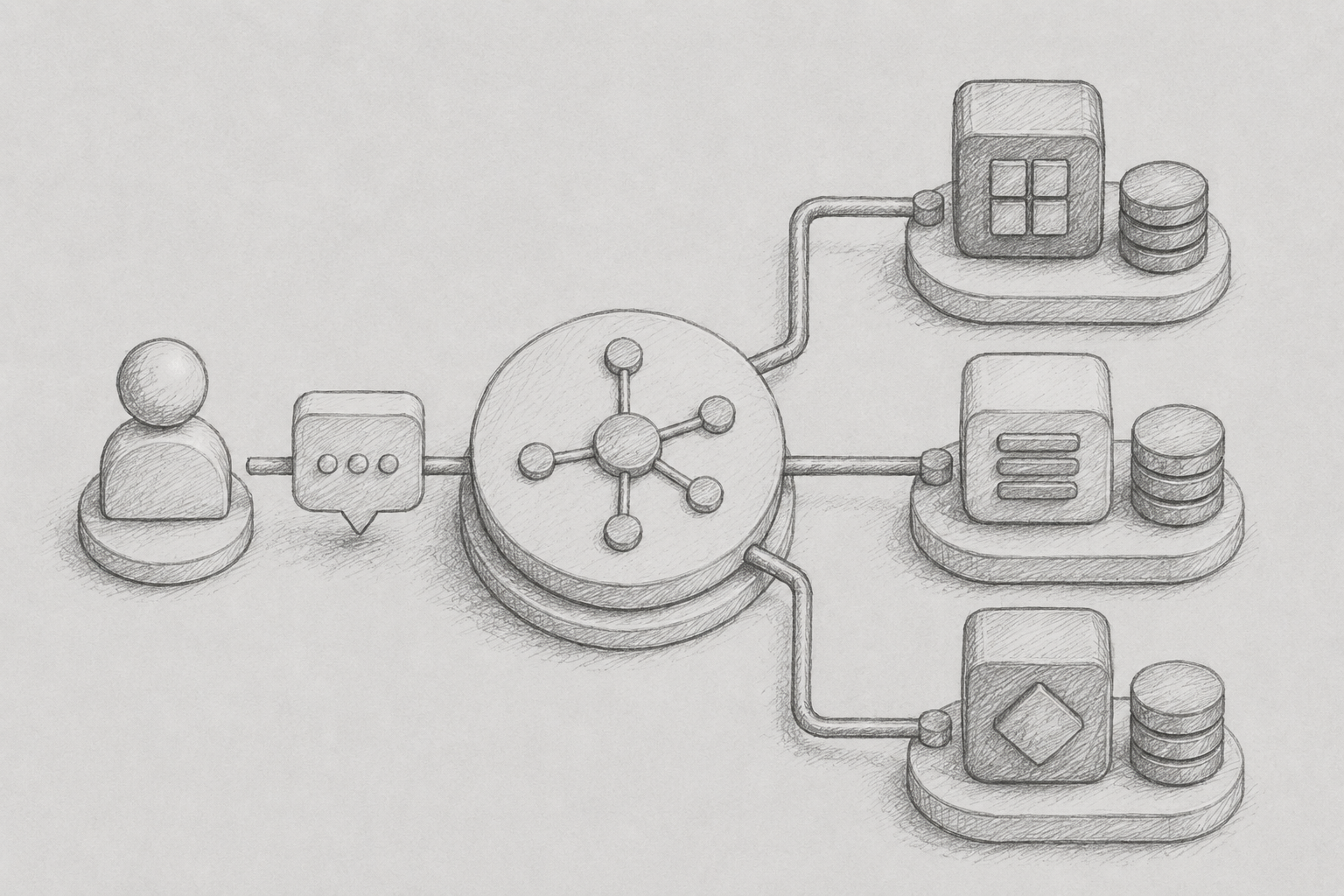
As a result, two models have become necessary.
Text model: A conversation-specific model suitable for quick responses and long context processing.
Multimodal model: a vision-supported model that can understand content by receiving images
This is where the 고민 began.
How to manage multiple ChatModels in a Spring Boot + LangChain4J environment?
Limitations of LangChain4J auto-configuration
LangChain4J supports Spring Boot auto-configuration. For example, if you configure it as follows in application.yml, the ChatModel bean will be automatically registered.
langchain4j:
  ollama:
    chat-model:
      base-url: https://ollama.example.com
      model-name: model-name
However, this approach has its limitations.
Automatic configuration is by default The way to register an empty ChatModelIt is close to. Therefore, if you need to use multiple models for different purposes, it is difficult to rely solely on automatic settings.
In the end, to explicitly manage multiple models, it is necessary to define them directly using @Bean.
Method Comparison
Method 1. Distinguishing with @Qualifier
The first method that comes to mind is to use @Qualifier to name each model bean.
@Configuration
public class ModelConfig {
    @Primary
    @Bean
    @Qualifier("textChatModel")
    public ChatModel textChatModel() {
        return OllamaChatModel.builder()
                .baseUrl("https://ollama.example.com")
                .modelName("chat-model-name")
                .build();
    }
    @Bean
    @Qualifier("imageChatModel")
    public ChatModel imageChatModel() {
        return OllamaChatModel.builder()
                .baseUrl("https://ollama.example.com")
                .modelName("multi-modal-model-name")
                .build();
    }
}
The user would inject it as follows.
@Service
public class SomeService {
    private final ChatModel textModel;
    private final ChatModel imageModel;
    public SomeService(
            @Qualifier("textChatModel") ChatModel textModel,
            @Qualifier("imageChatModel") ChatModel imageModel
    ) {
        this.textModel = textModel;
        this.imageModel = imageModel;
    }
}
This method is simple and intuitive. However, as the number of models increases, the @Qualifier string spreads across multiple classes.
Since it is string-based, it is difficult to catch typos at compile time, and the impact range increases when replacing models or changing names.
Method 2. Using @Qualifier + Proxy Class
The second approach is to wrap the model-specific Proxy classes without exposing @Qualifier directly in the business logic.
We are currently using this method in the project.
@Service
public class ChatModelProxy {
    private final ChatModel chatModel;
    private final ObjectMapper objectMapper;
    public ChatModelProxy(
            @Qualifier("textChatModel") ChatModel chatModel,
            ObjectMapper objectMapper
    ) {
        this.chatModel = chatModel;
        this.objectMapper = objectMapper;
    }
    public String chat(Prompt prompt) {
        // 텍스트 모델 호출
    }
    public  T chat(Prompt prompt, Class clazz) {
        // 응답 JSON 파싱
    }
    public  List chatAnswerInList(Prompt prompt, Class
       clazz) { // 리스트 형태 응답 파싱 } }
The image analysis-specific model is separated by a separate Proxy.
@Service
public class ImageChatModelProxy {
    private final ChatModel chatModel;
    public ImageChatModelProxy(
            @Qualifier("imageChatModel") ChatModel chatModel
    ) {
        this.chatModel = chatModel;
    }
    public String chatWithImage(String imageUrl, String textPrompt) {
        String base64 = fetchAsResizedBase64(imageUrl);
        String mimeType = detectMimeType(imageUrl);
        UserMessage message = UserMessage.from(
                ImageContent.from(base64, mimeType, ImageContent.DetailLevel.AUTO),
                TextContent.from(textPrompt)
        );
        return chatModel.chat(message).aiMessage().text();
    }
}
By doing this, the business logic no longer needs to know about @Qualifier.
@Service
public class ChatTask {
    private final ChatModelProxy chatModelProxy;
    private final ImageChatModelProxy imageChatModelProxy;
    public ChatTask(
            ChatModelProxy chatModelProxy,
            ImageChatModelProxy imageChatModelProxy
    ) {
        this.chatModelProxy = chatModelProxy;
        this.imageChatModelProxy = imageChatModelProxy;
    }
}
The advantages of this approach are clear.
The @Qualifier string only exists within the Proxy, and the service layer does not need to know the specific bean names of each model. Additionally, preprocessing and postprocessing logic specific to models, such as image downloading, Base64 encoding, and JSON parsing, can also be encapsulated within the Proxy.
Method 3. Using a configuration-based model registry
If there are more than three models, or if you need to add or replace models just by configuration, you might also consider the registry pattern.
@Configuration
public class ModelRegistryConfig {
    @Bean
    public Map chatModelRegistry(ModelProperties props) {
        Map registry = new HashMap<>();
        props.getModels().forEach((name, config) -> {
            ChatModel model = OllamaChatModel.builder()
                    .baseUrl(config.getBaseUrl())
                    .modelName(config.getModelName())
                    .build();
            registry.put(name, model);
        });
        return registry;
    }
}
Configurations can be managed as follows.
my-service:
  models:
    text:
      base-url: https://ollama.example.com
      model-name: text-model-name
      timeout: 10m
    image:
      base-url: https://ollama.example.com
      model-name: multi-modal-model-name
      timeout: 30m
This method is useful when there are many models or when models need to be switched based on settings.
However, there are also drawbacks. If the required preprocessing logic differs for each model, simply using Map
For example, an image model requires image downloading, resizing, MIME type detection, and Base64 encoding. This logic ultimately ends up being placed in a separate service or proxy layer outside the registry.
Therefore, when the model invocation method is simple and the same, the registry is suitable, but if each model is used differently, the Proxy method is more natural.
The method chosen for the current project
In the current project, @Qualifier + Proxy class methodselected.
|
item |
Evaluation |
|
@Qualifier string exposure range |
Isolate into Proxy class |
|
Separate preprocessing logic by model |
Encapsulate image resizing and encoding logic in ImageChatModelProxy |
|
Text model auxiliary functions |
Consolidating JSON parsing, list response parsing, etc. into ChatModelProxy |
|
Business code coupling |
The service relies only on Proxy type |
The roles of the two models are clearly different.
The text model is used for tasks such as general conversation and JSON response parsing. In contrast, the image model requires a separate preprocessing step to handle image input.
Therefore, rather than forcing the two models into a single interface, it is more natural to separate them as Proxies with distinct responsibilities.
Of course, if the number of models increases to more than three or if there is a requirement to select a model at runtime, we can also consider the registry pattern.
In conclusion
LangChain4J automatic configuration alone makes it difficult to manage multiple ChatModels in detail.
If you need to use multiple models, you can define them directly as @Bean and distinguish them with @Qualifier.
Using a proxy allows encapsulating pre-processing and post-processing logic for each model, so the business logic does not need to know the model bean names.
When the number of models increases or configuration-based replacements become important, the registry pattern can be considered.
Personally, in this situation, The proxy method is the most appropriate choiceI think so.
The text model and the image model are not simply 'two ChatModels'; their usage and responsibilities are different. Therefore, rather than abstracting them with a common interface or registry first, it is better from a maintenance perspective to have a Proxy that clearly reveals the responsibilities of each model.
Ted