
1. Background
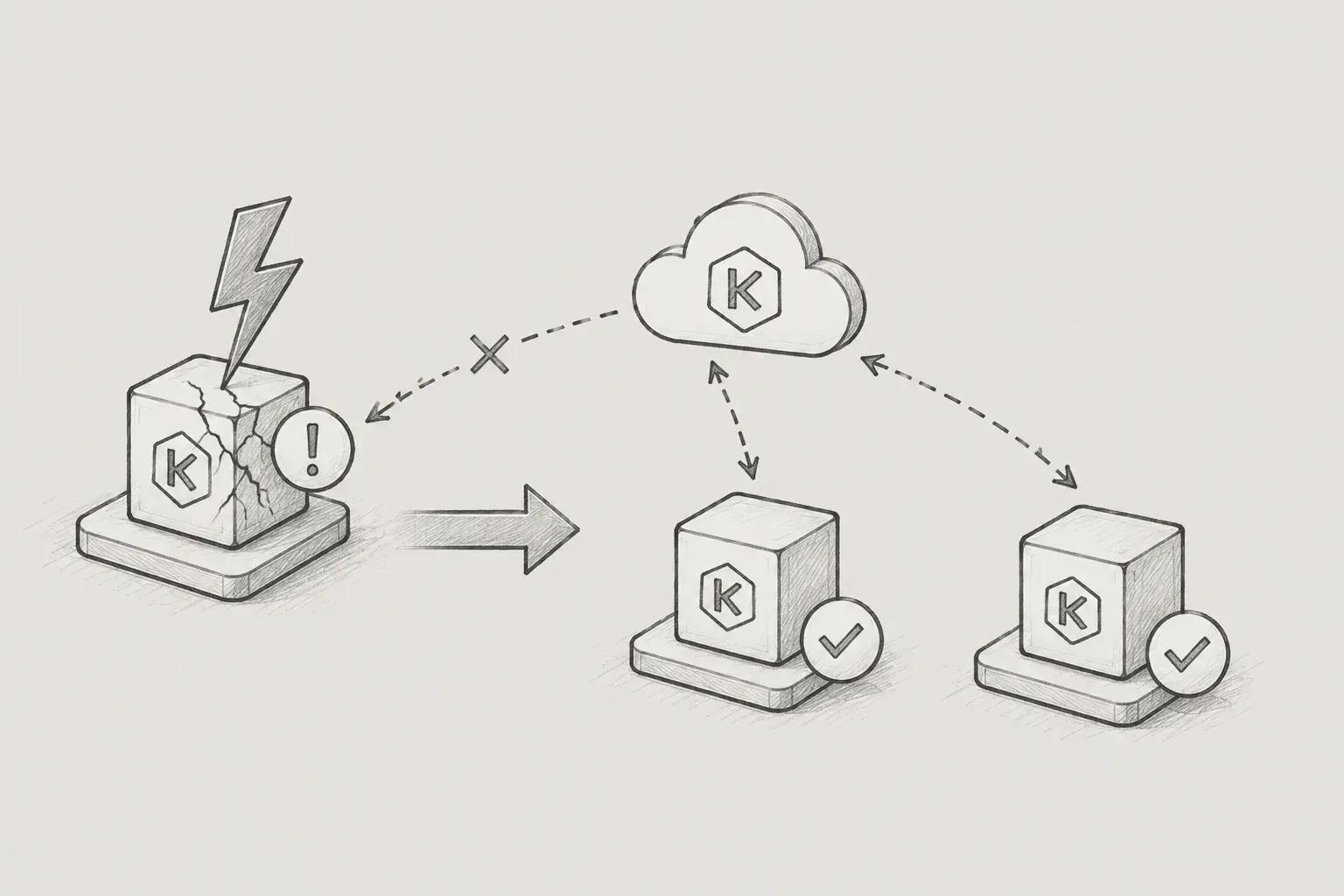
In a recent project, we encountered various issues while operating the program, such as nodes being in a 'NotReady' state in 'kubectl get nodes', 'kubectl exec' becoming unresponsive, and Pods suddenly changing to 'Evicted' status. Therefore, based on the four types of failures encountered during actual operations, we will draft an issue response guide for the KubeEdge environment as follows.
2. Introduction
Unlike a typical cluster based on Kubernetes, KubeEdge is between the cloud and edge nodes CloudCore ↔ EdgeCoreThere are additional tunnels. Thanks to that, edge nodes can operate even in unstable network environments, but at the same time, the causes of failures become more complicated.
3. Type of Disability
|
Disability Type 1 |
kubectl exec failed — "unexpected EOF" |
|---|
(1) Symptoms
$ kubectl exec -it my-app-6jf2m -n iot-edge -- /bin/bash
error: Internal error occurred: error sending request:
Post "https://192.168.1.3:10351/exec/...": unexpected EOF
I ran ‘kubectl exec’ and the connection itself dropped, leaving it unresponsive. Other Pods on the same node appear to be in a Running state, but there are cases where only exec is not working.
(2) Cause Analysis
To make 'kubectl exec' work in KubeEdgeEdgeStreamYou must have this feature enabled. If this feature is turned off, the exec tunnel leading from API Server → CloudCore → EdgeCore will not be established.
In a standard Kubernetes environment, the API Server accesses the kubelet's port 10250 directly to handle exec, but KubeEdge does not have this path. Without EdgeStream, exec, logs, and port-forward will not work.
[kubectl exec flow in KubeEdge]
API Server
    ↓
CloudCore (streamPort: 10003)
    ↓ ← without this tunnel, unexpected EOF occurs
EdgeCore (edgeStream.server)
    ↓
컨테이너
(3) Solutions
Check and activate CloudCore settings:
# cloudcore.yaml
cloudStream:
  enable: true
  streamPort: 10003
  tlsTunnelCAFile: /etc/kubeedge/ca/rootCA.crt
  tlsTunnelCertFile: /etc/kubeedge/certs/server.crt
  tlsTunnelPrivateKeyFile: /etc/kubeedge/certs/server.key
Check and activate EdgeCore settings:
# edgecore.yaml
edgeStream:
  enable: true
  handshakeTimeout: 30
  readDeadline: 15
  server: <CloudCore_IP>:10004
  tlsTunnelCAFile: /etc/kubeedge/ca/rootCA.crt
  tlsTunnelCertFile: /etc/kubeedge/certs/server.crt
  tlsTunnelPrivateKeyFile: /etc/kubeedge/certs/server.key
  writeDeadline: 15
Both sides need to be restarted after configuration changes:
# On the master node where CloudCore is running
systemctl restart cloudcore.

# On the edge node
systemctl restart edgecore|
Failure type 2 |
Pod Eviction due to DiskPressure |
|---|
(1) Symptoms
$ kubectl get po -A -o wide | grep <NodeName>
iot-edge chronograf-xxxxx 0/1 Evicted 0 2m
iot-edge influxdb-xxxxx 0/1 Evicted 0 9m
iot-edge my-app-xxxxx 0/1 Evicted 0 14m
Pods on a specific node will be uniformly in an Evicted state. If not just one or two but all Pods on that node are evicted, it indicates a node-level resource issue.
(2) Cause analysis
Eviction is a mechanism where the kubelet (in KubeEdge, edgecore) forcefully terminates Pods when it detects insufficient node resources. The cause can be directly verified using ‘kubectl describe node’:
kubectl describe node <NodeName> | grep -A5 "Conditions"In actual cases, messages like the following were observed:
DiskPressure True ...
Message: The node was low on resource: ephemeral-storage.
  Threshold: 37556267476 (~35GB)
  Available: 36674584Ki (~34.9GB)
As soon as the available disk falls below a threshold, the kubelet forcefully evicts the Pods on that node
Check disk usage
SSH into the edge node to check where the disk is being consumed:
df -h
du -sh /* 2>/dev/null | sort -rh | head -15
In actual cases, one log directory of a specific application occupied 89% of the entire disk.
$ du -sh /var/app/logs/*/
166G /var/app/logs/device-001.ASSET/
(3) Solutions
Cleanup of old logs(Make sure to check if preservation is necessary before deletion!)
# Delete files older than N days
find /var/app/logs -mtime +7 -type f -delete
Cleanup of unused container images
crictl rmi --pruneReassessment of DiskPressure by restarting edgecore
systemctl restart edgecoreCleanup and redistribution of Evicted Pods
# On the master node
kubectl get pods -A | grep Evicted | awk '{print "kubectl delete pod " $2 " -n " $1}' | sh|
Type of fault 3 |
Init Container ImagePullBackOff — DNS failure |
|---|
(1) Symptoms
$ kubectl describe pod my-app-qn6r8 -n iot-edge
Init Containers:
  init-snapshot:
    State: Waiting
      Reason: ImagePullBackOff
    Image: registry.company.internal:5000/infra/busybox:latest
This occurs when the image pull fails in the Init Container, not the main container. If the Init Container fails, the main container does not even start.
In this case, the previous termination state of the main container is shown as follows:
Last State: Terminated
  Reason: Unknown
  Exit Code: 255
Exit Code 255 indicates that the container runtime forcibly terminated the process, which is mostly a result of node-level issues (previous DiskPressure, network disconnection, etc.).
(2) Cause analysis — Private registry DNS failure
The causes of ImagePullBackOff are varied, but in IoT environments using the company's private registry,DNS failureis particularly frequent.
Verification method:
# On the edge node
nslookup registry.company.internal
If DNS SERVFAIL appears, it indicates that the domain itself cannot be resolved.
server can't find registry.company.internal: SERVFAIL(3) Solutions
Quick temporary fix — register in /etc/hosts
Check the IP from another normal node and directly register in '/etc/hosts':
# Resolve IP from a healthy node
nslookup registry.company.internal
# Add entry to /etc/hosts on the affected node
echo "<IP> registry.company.internal" >> /etc/hosts
# Test image pull
crictl pull registry.company.internal:5000/infra/busybox:latest
Determine the root cause of DNS issues
After temporary measures, check the status of 'systemd-resolved' and restart it:
systemctl status systemd-resolved
systemctl restart systemd-resolved

# Verify DNS resolution is restored
nslookup registry.company.internal
Restart Pod after DNS recovery
# Force delete and recreate the Pod from the master node
kubectl delete pod my-app-qn6r8 -n iot-edge --force --grace-period=0

# Watch Pod status
kubectl get pod -n iot-edge -w | grep my-app
4. Summary
- If 'kubectl exec' doesn't work, it may not be a kubelet issue but rather a problem with EdgeStream configuration.
- If Pods are being evicted in large numbers, first check the disk usage on the nodes.
- ImagePullBackOff may not be an image issue but rather a DNS failure.
The edge environment presents complex challenges such as unstable onsite networks, limited disk capacity, and management of numerous distributed nodes, unlike data centers. Sharing the above checklist within the team can reduce response time regardless of who is on call.
Jsia