
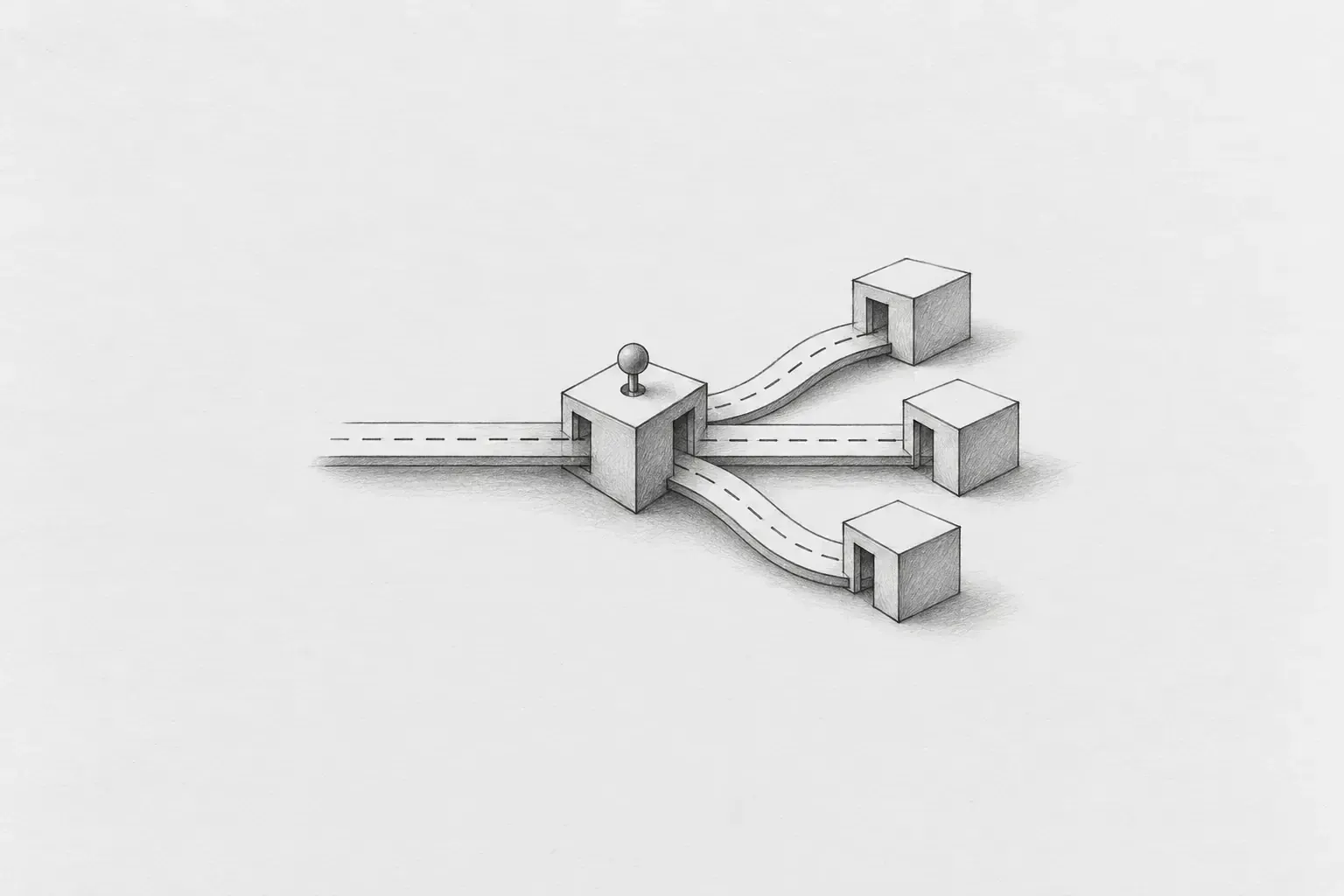
-A retrospective on refactoring the Banjang web frontend to redefine deployment units around features-
1. Introduction — The app that had been bundled into one
The Banjang web frontend had long been operated as a single app called episode-banjang. It included various features—Home, Jobs, Team, My, Notifications, Authentication, Billing, and more—in a single build artifact, and the method used to distinguish users was also simple. Under the top-level router, there were separate routers for workers and site managers, with roles divided by URL prefixes.
// AS-IS: pages/worker/router.tsx
export const router: RouteObject = {
  path: 'wkr',                       // 작업자(worker)는 /wkr/* 로
  element: (
    <MobileLayout role="worker" ...>
      <Outlet />
    </MobileLayout>
  ),
  children: [...],
};

// AS-IS: pages/leader/router.tsx — 구조는 동일
export const router: RouteObject = {
  path: 'ldr',                       // 현장 관리자(leader)는 /ldr/* 로
  ...
};
URL prefixes (wkr/ldr) indicated roles, and the list of screens varied according to the role. The features themselves worked reliably, but as the service grew, limitations began to emerge in terms of “which code should be deployed together?” The starting point of this refactoring was not changing the routing, but redefining the deployment units.
2. Why we separated them — Aligning deployment units with features
In a single app, all feature changes are bundled into one release. Even a small modification to the Jobs screen requires rebuilding and deploying the entire app, and screen code unrelated to a user’s role is included in the same bundle. On mobile as well, there was no choice other than having the React Native Shell launch a single WebView app, making it difficult to apply strategies such as “launch Home first and load the rest when needed.”
So we shifted the criterion from roles to features. The core principle is simple. Divide deployment units by feature, and handle roles within each feature.
|
Episode |
Owner |
|---|---|
|
episode-banjang-home |
Home |
|
episode-banjang-job |
Jobs |
|
episode-banjang-team |
Team |
|
episode-banjang-chat |
Conversations (Loopin) |
|
episode-banjang-my |
My |
Home, Jobs, Team, Conversations, and My in the mobile bottom tab each correspond 1:1 to a web Episode. The admin (episode-banjang-admin) is maintained as a web back-office deployment unit separate from the bottom tabs of the user app. This allows the screen groupings and deployment groupings to align in the same direction.
3. New boundaries — Shell and Episodes
The repository structure is also being organized in line with the separation of Episodes. Detailed definitions for each unit are covered in the company’s common architecture documentation; here, we examine only the boundaries needed to understand the refactoring.
shell/
  banjang-mobile-shell      # RN 호스트. WebView, 네이티브 인증, 세션, 에피소드 전환 담당
  banjang-episode-shell     # 웹 에피소드들이 공유하는 UI·브라우저 런타임
shared/
  banjang-bridge-contracts  # Shell <-> Episode 메시지 계약
  banjang-constants         # 공통 상수

episodes/
  episode-banjang-{home,job,team,my,chat}   # + episode-banjang-admin

dramas/
  banjang-view / banjang-state / banjangnote-stub
The core rule is that an Episode is a Microapp built and deployed independently. It does not directly import source code from other Episodes, and behavior needed by multiple Episodes is shared through the Shell or shared layers. Previously, “what is common and where does a feature begin?” depended on team consensus, but after the separation, the folder structure and import boundaries reveal that principle more clearly.
4. Handling roles — From the URL axis to screen selection
Even if the existing /wkr, /ldr prefix routing disappears, the distinction between roles does not disappear. Roles move from being a higher-level routing axis to a criterion for selecting screens within each Episode. Each Episode has one router, and the current role is identified through BanjangContext.displayType.
// TO-BE: shell/banjang-episode-shell/src/routing/BanjangRoleRoute.tsx
export const BanjangRoleRoute = ({ allowedRoles, redirectTo }: BanjangRoleRouteProps) => {
  const { displayType } = useBanjangContext();
  const roles = Array.isArray(allowedRoles) ? allowedRoles : [allowedRoles];
  return roles.includes(displayType) ? <Outlet /> : <Navigate to={redirectTo} replace />;
};
Access control is handled by route guards, and when the initial screen differs by role, the Scene to display is selected within the same router.
// TO-BE: episodes/episode-banjang-job/src/pages/router.tsx
const JobRoleIndex = () => {
  const { displayType } = useBanjangContext();
  const selectedRoutes = displayType === 'leader' ? recruitmentRoutes : jobsRoutes;
  return selectedRoutes.children?.find((route) => route.index)?.element ?? null;
};
For example, in the Job Episode, recruitment management (recruitment) is shown as the index to site managers, while the job list (jobs) is shown to workers. The URL structure becomes simpler, and instead of managing “which set of URLs should the user move to when their role changes?” the system declares “which roles are allowed to access this screen?” As the two axes—deployment units and roles—are separated, adding a role is narrowed down to defining the role and selecting screens rather than duplicating routers.
5. The party responsible for transitions — The Shell and the keep-alive deck
Once there are multiple Episodes, the party responsible for transitions must be clearly defined. In Banjang, web Episodes do not perform transitions directly; they only request the destination. The mobile Shell handles the decision and execution. On the web, it sends the bridge message REQUEST_EPISODE_NAVIGATIONand navigateBanjangEpisodewraps it. The request includes the target Episode and the path to navigate to within it.
The mobile Shell’s loading policy prioritizes Home.
-
At app startup, it creates only the Home WebView.
-
The remaining tabs are created once each when they are selected for the first time.
-
Once created, a WebView is not removed; only the active layer is switched when navigating between them (keep-alive).
Therefore, not all Episodes are present simultaneously from the start; only Episodes that have actually been visited remain in the WebView deck. The ready signals are also divided into WEB_APP_READY and EPISODE_SCREEN_READY. The former indicates that bridge communication is ready, while the latter indicates that the first data paint on Home is complete. Separating the loading states instead of collapsing them into a single stage makes it clear what the Shell is waiting for and when.
6. Loading Strategy — Including What We Tried and Reverted
The performance concerns at the beginning of the separation were not vague hypotheses. In the development environment, launching the entire set of Episodes took nearly three minutes just to start, making the slow startup very noticeable. During the refactoring period, other frontend work was temporarily paused to avoid conflicts, so getting the development environment running quickly was a priority.
We compared sequential loading, preloading, and creating an Episode when its tab was first selected, in that order. The result was the Home-first + lazy creation + keep-alive policy described earlier. In the same context, we also experimented with changing root barrel imports to file-level deep imports.
We repeated the verification over several days. We compared the initial loading HAR for each Episode and tracked the transition stages using the [banjang-episode-timing] console timeline. We also used EXPO_PUBLIC_BENCHMARK_EPISODE to launch only a specific Episode and reduce measurement contamination. Although it was not a formal benchmark harness, it was sufficient as a reference scale for comparing directions under the same conditions.
The observations showed that the benefits of changing the import convention across the board were not substantial. We therefore kept the company's barrel import convention and reverted the deep imports, leaving subpath imports only on a few paths where they were clearly necessary. What mattered was not the change itself, but confirming which choices actually made a difference in our environment.
The work we reverted is also part of the result. We applied and verified the assumption that “barrel is slow” in the actual code, and left evidence that the difference in our environment was not large enough to justify changing the convention. Even if the same discussion comes up again, we can use the observations and reasons behind the decision at that time as a reference point instead of starting with speculation.
7. The Cost of Separation and Its Payback
Dividing the structure increases not only what we gain but also what we need to manage. The cost was clear in this refactoring as well.
-
Because the number of execution units increases, we need to handle multiple Vite servers and gateways together locally, and the build and deployment pipelines also become management targets in proportion to the number of Episodes.
-
Initially, we prioritized deploying the basic environment over organizing shared code so that assignees could start work immediately. In the process, cross-cutting concerns such as authentication, themes, networking, and FCM were temporarily duplicated across Episodes. This was a planned temporary measure, with the intention of consolidating them later.
-
The debugging boundaries also increase. We first need to determine whether a problem lies in the Shell, in a specific Episode, or on the sending or receiving side of the bridge.
The layer that pays back this cost is Episode Shell. Authentication routes are generated according to each Episode's boundary using createAuthRoutes({ episodePath }), entry into the gate is handled by BanjangAppGate, and role switching is handled by useRoleSelection. Networking, offline fallbacks, and session synchronization are also moved into the same shared layer. Once the assignees' work foundations had stabilized, we cleaned up the boilerplate initially duplicated so that the entry point of each Episode would retain the screens for its domain as the central focus.
The effect of this structure becomes apparent when adding a new screen. Since the common glue is already in the Shell, new code can focus on the domain. The cost of isolation may initially look like an expense, but paying it back through the shared layer creates a foundation that reduces recurring costs in later work.
8. Developer Experience — Organizing How We Run Things as Well
As the number of deployment units increased, we also divided the local development commands by purpose. Instead of always running all Episodes together, we organized them so that only the scope needed for the task can be launched.
-
pnpm start:banjang-local-single [home|job|team|my]: Launches only the Episode being modified locally and uses the shared development environment for the rest. This command keeps the scope needed for everyday feature development small.
-
pnpm start:banjang-local-all: Runs all Episodes and the gateway together to verify the integrated flow between the Shell and the bridge. In the browser, the navigation flow can also be reproduced with an iframe deck that follows the keep-alive policy.
-
pnpm build:pkg home, pnpm storybook:pkg view: Package-level execution is grouped with run-pkg.mjs to standardize the command format.
9. Conclusion
The biggest change in this refactoring was not the shape of the router, but the criterion of “what should be considered a single deployment unit.” Instead of a structure that divided the app by role, we made feature-based Episodes independent deployment units and moved roles to screen selection within them. The mobile Shell handles Episode transitions and loading policies, while the Episode Shell gathers the glue required by multiple web Episodes in common.
Ultimately, architectural units are not determined solely by code folders. Deployment units determine the user experience and the speed of the organization. If the major service boundaries—Home, Job, Team, Conversations, and My—are stable, deployment units aligned with those boundaries can also be used for a long time. This work was less a refactoring that rejected a well-functioning structure and more an effort to redraw the boundaries for the next stage of development and deployment.
Boundaries in the user experience that do not change frequently, such as the bottom navigator in a mobile app, can be a good basis for defining deployment boundaries. As the five features—Home, Job, Team, Conversations, and My—remain in place, each Episode can continue to serve as an independent unit of change and deployment. What lasts longer than the result of dividing the structure is having a criterion that explains why these boundaries were chosen.
Hazel