
The Boundary Between Loop, Interaction, and Approval
-An experience of separating responsibility for judgment and execution before increasing the LLM’s autonomy-
As we connected multiple LLM features that had operated step by step into a single flow, we initially thought that automatically calling the next feature would be enough to create an Agentic Workflow. In practice, however, the required structure involved more than just the call order. It had to determine which actions were executable in the current state, request necessary user decisions, and verify that the result approved by the user was the same as the actual execution target. To perform these judgments and validations consistently, we separated the boundaries between the Workflow Loop, Domain Adapter, structured Interaction, and snapshot-based Approval.
1. Background and Problem
Initially, each feature operated as an independent step. When the user provided input, one step produced a result, passed it as the input to the next step, and then selected the next execution. Even though we had functions for generating, validating, modifying, and saving results, the user was still responsible for connecting the overall flow. The features were complete, but the execution experience at the goal level was fragmented.
Simply calling multiple APIs in a predefined order was not enough. Requests had to change according to user decisions, and previous steps had to be supplemented or re-executed based on validation results. Connecting branching, retries, and waiting for user responses with simple loops and conditionals makes state management and resumption increasingly complex as the flow grows. We therefore introduced an Agentic Workflow to manage the current state and next action. It requests necessary information and waits for approval before operations that are difficult to undo, then resumes execution from the point where it stopped.
When designing the Agentic Workflow, the first responsibility we separated was that of the LLM performing the Workflow from that of the LLM performing domain functions. The Workflow LLM selects the next action candidate from the current execution state. The domain LLM generates, validates, or modifies results inside each Tool. If the Workflow LLM also creates domain results or the final Tool input, it may reference values that differ from the validated state. Conversely, if the domain LLM decides even the next step, execution rules overlap across features. Therefore, the Workflow Loop managed execution order and waiting and resumption. The Domain Adapter validated the currently permitted actions and Tool input before calling the domain Tool. With this separation, changes to domain rules can be handled inside the Adapter and Tool without modifying the common Workflow.
2. Separating Execution Responsibilities
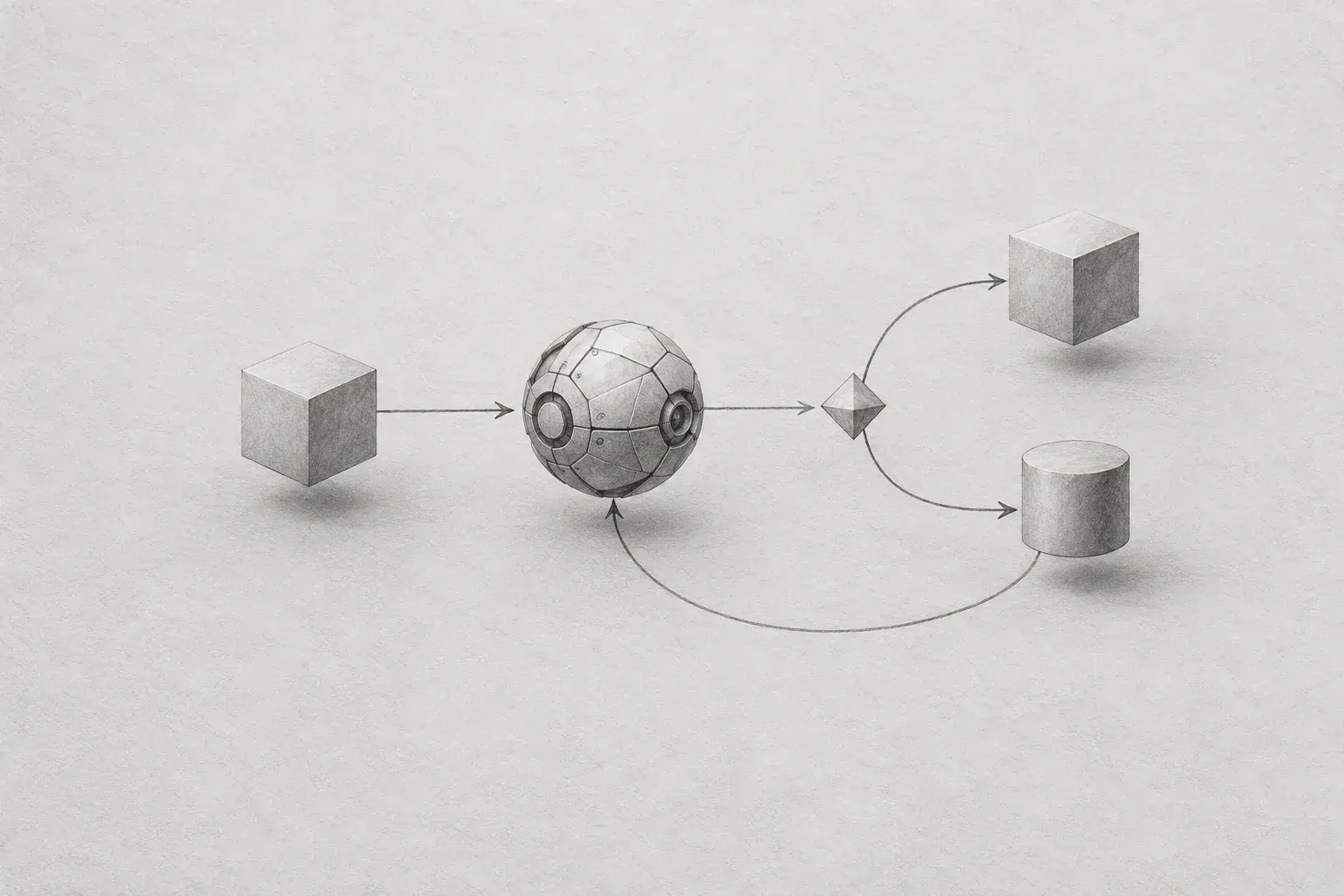
The overall structure separates the common execution procedure from specific business goals. The Workflow Loop manages execution order, waiting, and resumption, and determines the next action. The Domain Adapter selects functions appropriate to the business goal and prepares the Domain Tool call. Interaction·Approval connects the user and the Loop, while the Loop and Adapter are connected through the Decision·Tool call interface. The two Sessions are connected only by identifiers, separating execution control information from business results.
사용자 -- Interaction / Approval --> Workflow Loop
Workflow Loop <-> Domain Adapter -> Domain Tool
Workflow Session: 실행 / 대기 / 재개 | Domain Session: 업무 결과 / 검증 / 버전
The Workflow Session stores the current Decision, pending Interaction·Approval, and whether the process is complete, failed, or blocked by policy. The Loop reads this information to call a Tool or wait for a user response, and after the call records success or failure and the next execution position. Here, the Workflow state does not mean the content of the business result; it indicates how far execution has progressed and what it is waiting for. The Loop does not interpret the meaning of business results.
The Domain Session stores the results produced while pursuing a specific business goal, result versions, validation status, and the targets for modification. The Adapter reads this information to determine which Tool to execute and whether user judgment is required, then assembles the final input from the validated result. The Adapter also verifies that the approved result is the same as the result intended for execution. Here, the Domain state indicates what result the business process has produced and whether that result can be trusted.
In summary, the Loop determines “how to cycle,” while the Adapter determines “what is allowed to be done now.” The Loop selects common processing according to the type of Decision, and the Adapter determines, based on the validation result in the Domain Session, whether to allow a modification Tool or request user confirmation first.
2.1 Decision and Policy
The Workflow Loop and Domain Adapter exchange the next action through Decision. When the Adapter calculates permitted actions through Policy and returns a Decision, the Loop executes it. Decision represents a Tool call, user question, approval request, completion, failure, or waiting state. Policy limits the actions the Adapter may return. When validation fails, only the modification Tool is allowed, and unapproved change Tools are blocked.
Here, the LLM is the Workflow LLM. Initially, we tested the allow-and-block flow using only Policy rules, without an LLM. Later, the Workflow LLM selected one of the permitted actions or proposed only a brief intent. The Adapter assembled the final Tool input by reading the validated result from the Domain Session and approval information from the Workflow Session. The LLM does not write these values directly.
We did not rewrite the existing step-based features either. We wrapped them so that the Tool Registry would call the already validated functions, and the Workflow executed only through the Registry. This allowed us to compare the behavior of existing features while introducing a new execution flow. Rather than heavily abstracting the common modules from the beginning, we decided to validate their contracts within actual flows before making further decisions.
책임 기준 Workflow Loop는 실행 생명주기를, Domain Adapter는 업무 결과 해석과 허용 행동을, Domain Tool은 실제 기능 수행을 담당합니다.3. Structured Interaction
After separating execution responsibilities, we identified gaps in the user input contract. Initially, the Workflow returned only string messages containing questions to send to the user. This was sufficient for simple questions, but it was difficult to express communication methods that improve usability, such as selecting options, specifying a target, or reviewing changes. The backend indicated only that a question was needed, and the UI had to infer what the user actually needed to do.
To address this, we defined Interaction not as screen text but as the meaning of the user’s action. We used an interface consisting of type, target, options, required, and other fields. type indicates whether the interaction is ordinary input, selection, review, or something else, while target identifies which work result the response applies to. options contains the selectable values for a selection-type interaction, and required indicates whether the process can continue without a response. The UI expresses this contract through context-appropriate components such as chat input, selection cards, or a change-comparison screen.
{
  "type": "REVIEW_DIFF",
  "target": "result",
  "required": true
}
4. Snapshot Approval and State
Among user decisions, Tools that modify data or execute external operations required a stronger approval contract. If approval is stored as a single Boolean value, all that remains is the fact that the user pressed the approval button. It is impossible to know which result was approved in which state. This means the same approval value could be reused even after the result was modified or its validation status changed.
We therefore bound approval to a snapshot of the execution target. The approval information included the target Tool, result version and hash, validation-result hash, and idempotency key. Immediately before execution, we compared the current result with the result at the time of approval. If even one of the target Tool, version, or hashes differed, execution was not performed. The user was not simply approving that “it may be executed”; they were approving a specific, identifiable result.
This check also prevents changes between the time of approval and the time of execution. Another request may modify the same result immediately after the user reviews it on the screen, or the validation result may change while the request waits in the execution queue. Checking conditions only at the moment of approval would miss these changes. Rechecking identity immediately before execution ensures that the content the user saw is the same as the content actually saved.
실행 가능 = 승인됨
          && 대상 Tool 일치
          && 결과 버전 / 해시 일치
          && 검증 결과 해시 일치
          && 멱등성 키 유효
We also distinguished inconsistencies from Tool execution failures. If approval was missing, outdated, or differed from the current result, Policy blocked the operation before the Tool was called. In contrast, an internal or external error that occurred after calling an allowed Tool was classified as an execution failure. Separating these states makes it easier to determine whether an error can be retried or whether the user must approve again or the state must be refreshed.
4.1 Auditing and Idempotency
Approval requests, approval results, Tool calls, and policy blocks were recorded as Audit Events. Audit records do not mean only post hoc logs. They provide the basis for the next Decision to interpret the results of previous execution and for operators to determine why a specific execution proceeded or stopped. Grouping correlated events into the same execution flow makes it possible to track user responses and Tool results together.
We used the idempotency key to prevent the same approval request from being executed twice. Even if a network retry or repeated user click occurs, an already processed key is not executed again. The important point is that we included the idempotency check not only inside the Tool but also in the approval and execution contracts. This makes it possible to explain, from the Workflow perspective, that the same intent was processed only once.
4.2 Persistent State
Initially, we passed part of the Workflow state through requests and responses. This was convenient for short functional tests, but it was difficult to guarantee reliable resumption after a refresh, server restart, or long approval wait. If approval and audit information depend on state held by the client, it is also difficult for the server to determine the authoritative state of the current execution on its own.
In subsequent work, we persisted the Workflow Session, approval, and audit states with JPA.
5. Application Criteria and Conclusion
In this work, we applied the following criteria while designing the Agentic Workflow. First, we separated the execution loop and domain judgment. When defining the boundary, we checked whether the logic needed to know the content of the business result. If it needed to know the meaning of the result or the permitted rules, we placed it in the Adapter; if it was a procedure repeated regardless of the business domain, such as waiting, resuming, or completing, we placed it in the Loop. Without this criterion, adding new flows would continually increase the Loop’s conditionals and state interpretation.
Second, we made the LLM propose actions within the permitted scope without allowing it to own the final Tool input. Policy calculates the possible actions, and the Adapter assembles the input using the validated result and approval information. The Workflow LLM only selects an action within that scope; it does not create new result content or approval values. This separation makes it possible to distinguish which values are LLM proposals and which are facts verified by the application. Increasing autonomy is not the same as giving up execution control.
Third, instead of passing content to the user only as a string, we expressed it as an action format. Ordinary input, selection, and review require different guidance and response methods. type indicates the type of action, and target specifies the work result to which the response applies. When selection is required, options conveys the possible values, and required indicates whether the process can continue without a response. The purpose of structured Interaction is not to control the UI but to clarify the method of communication between the user and the Workflow.
Fourth, we bound approval to a snapshot of the execution target at the time of approval. Saving only the button click cannot prevent changes after approval or duplicate execution. The target Tool, result version and hash, validation status, and idempotency key must be checked again immediately before execution. If the conditions do not match, the Tool is not called and the event is recorded as a policy block. Conversely, if an error occurs inside the Tool after the conditions pass, it is recorded as an execution failure. Distinguishing these outcomes makes it possible to determine whether reapproval is required or a retry is possible.
The Workflow Session, approval, and audit states required for interruption and resumption were persisted with JPA in subsequent work.
In this work, we organized the Agentic Workflow not as a structure that automatically chains LLM calls, but as a structure that separates responsibility for judgment and execution. We separated the roles of the Loop and Adapter, clarified the target to which user responses apply through Interaction, and matched the approved result with the actual execution target through Approval. Ultimately, what mattered was not making the LLM do more, but clearly defining who judges what and on what basis execution takes place.
DEVKC