
1. Introduction
While working on a project, it is common to discover another issue while addressing a requirement. In this article, I will summarize an experience of discovering and improving an error in the storage of multilingual department-name data while addressing a customer requirement to add department-specific role information to My Page.
2. Background of the Issue
The issue was discovered while adding a feature to display department-specific role information on My Page. The customer requirement was to allow users to view the department they belong to and the roles they have in that department on My Page.
On the frontend, the task was simply to display the department name and role information returned by the backend. However, during development, we noticed that some department names were being returned as empty values. At first, we suspected a frontend mapping issue or a problem processing the response data. However, after checking the API response, we found that the frontend had not omitted the values; the department names returned by the backend itself were empty.
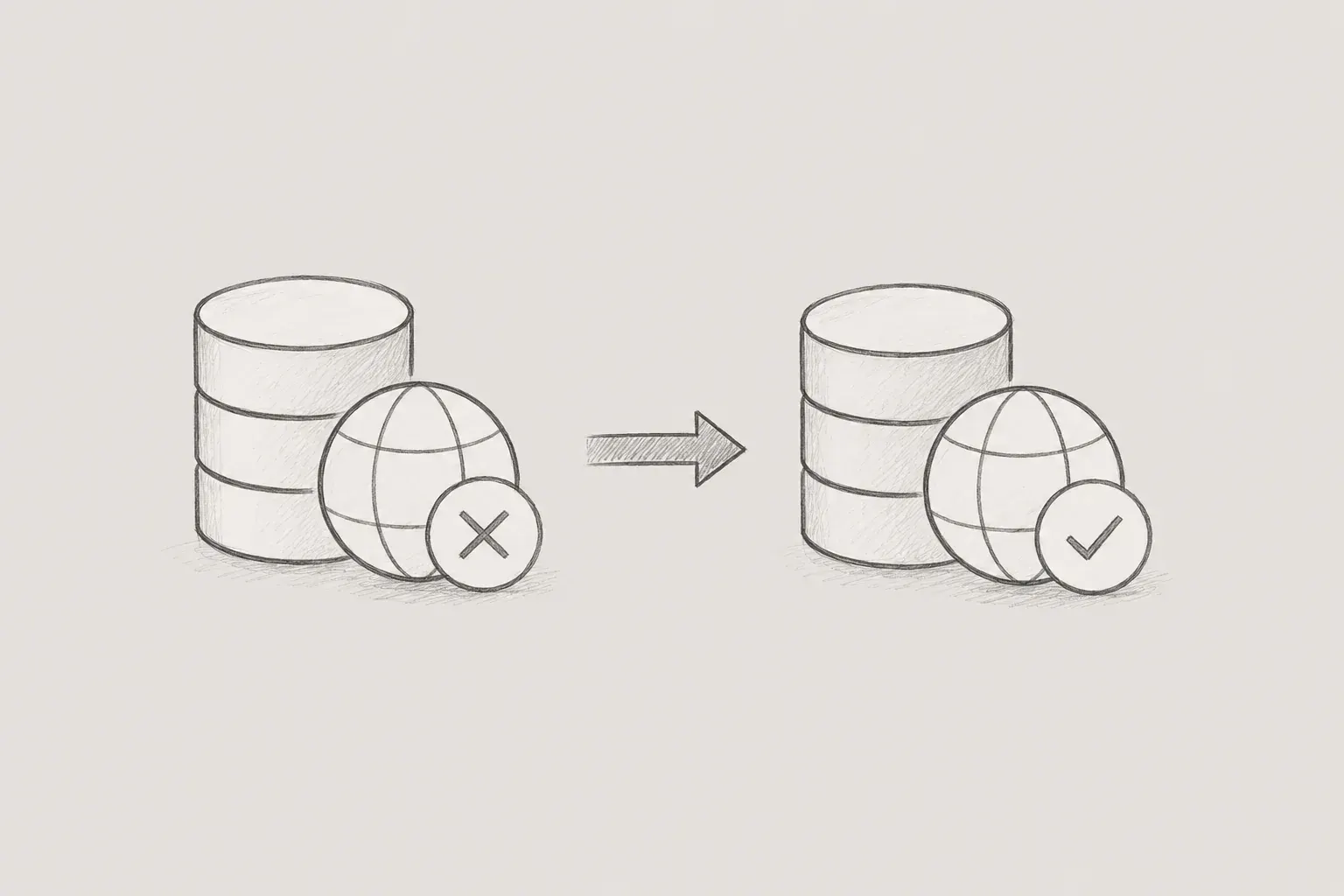
We then checked the backend query logic. The query logic was retrieving the department name based on ko, the current screen language. This behavior itself was normal. The problem was with the multilingual data stored in the DB. Upon checking the DB directly, we found that the Korean department names had been stored under the en language code instead of ko.
In other words, the screen was looking for the Korean department name under ko, but because the actual Korean value was stored under en, it appeared as an empty value.
3. Root Cause Analysis
While investigating the issue, we first checked which language code the backend used to query department names. Since the query side was retrieving values based on ko, the Korean language code, we determined that the cause of the empty API response was more likely to be the stored data than the query condition.
Following the department creation path, we found that the hospital integration batch was using a common registration method when registering a new department as Stage. By default, this method retrieves the current locale from Spring's LocaleContextHolder and uses it as the language code.
public Tenant registerTenant(TenantCdo tenantCdo) {
    return registerTenant(
        tenantCdo,
        LocaleContextHolder.getLocale().getLanguage()
   );
}
In a web request, the locale can be determined through the request context, but a batch is not a flow directly initiated by a user in a browser. Therefore, at the time the batch ran, there was no explicit user-request locale, and LocaleContextHolder used the JVM default locale. In that environment, the default locale was set to en, so the Korean department name provided by the hospital adapter was stored under the en key.
4. Improving the New Department Registration Path
The code changes focused on the path for registering a new department as Stage in the hospital integration batch. Since the problematic data was translation data generated when the batch created a new department, we decided to explicitly pass the language code during new Stage registration rather than making major changes to the overall department synchronization logic.
The existing registerTenant(TenantCdo) method was kept so that it could continue to be used for web requests. Instead, we added an overload that allows the language code to be passed directly for batch and synchronization paths where the request locale is unavailable or unreliable.
public Tenant registerTenant(TenantCdo tenantCdo) {
    return registerTenant(
        tenantCdo,
        LocaleContextHolder.getLocale().getLanguage()
   );
}

public Tenant registerTenant(
    TenantCdo tenantCdo,
    String languageCode
) {
    Tenant tenant = Tenant.fromCdo(
        tenantCdo,
        languageCode
   );

    return tenant;
}
In the actual new Stage creation path, ko was passed explicitly based on the fact that the department name provided by the hospital adapter was in Korean.
return (Stage) tenantLogic.registerTenant(stageCdo, "ko"); This allowed newly created department data in the batch to be stored under the intended language code without affecting the existing web request path. Rather than changing every flow, including existing Stage name changes and other update paths, we added the necessary handling only at the new registration point where the issue occurred.
5. Data Correction SQL
Because the code changes addressed department data created from that point onward, the existing data that had already been stored incorrectly had to be corrected separately.
After checking the DB, we found that the issue was not limited to the development environment. It occurred in the development, staging, and production environments alike, and the same values had been reflected not only in the source table but also in separate query data configured for query performance.
The data correction SQL was written to minimize its impact on production data. We considered it dangerous to simply change every record where language_code = 'en' to ko, so we applied the following conditions together.
- Only items corresponding to department data are modified.
- Only valid data is modified.
- Only data whose language code is stored as en is modified.
- Only data registered by a system account is modified.
- Records are excluded when a ko translation already exists for the same department.
The actual correction query was written in the following form.
update cm_tenant_translation tt
set language_code = 'ko',
    modified_by = 'system-fix',
    modified_on = now()
from cm_tenant t
where t.id = tt.tenant_id
  and t.tenant_type = 'STAGE'
  and tt.valid_yn = true
  and tt.language_code = 'en'
  and tt.registered_by = 'system'
  and not exists (
    select 1
    from cm_tenant_translation ko
    where ko.tenant_id = tt.tenant_id
      and ko.language_code = 'ko'
      and ko.valid_yn = true
  );
These conditions reduced the risk of incorrectly changing actual English data or data registered directly by users. In the actual Flyway script, corrections were applied not only to the source table, cm_tenant_translation, but also to namei18n in qm_tenant_view and tenant_namei18n in qm_membership_view, which are used for querying.
update qm_tenant_view v
set namei18n = (v.namei18n - 'en')
    || jsonb_build_object('ko', v.namei18n ->> 'en'),
    modified_on = now()
where v.tenant_type = 'STAGE'
  and v.namei18n ? 'en'
  and not (v.namei18n ? 'ko');

update qm_membership_view m
set tenant_namei18n = (m.tenant_namei18n - 'en')
    || jsonb_build_object('ko', m.tenant_namei18n ->> 'en'),
    modified_on = now()
where m.tenant_type = 'STAGE'
  and m.tenant_namei18n ? 'en'
  and not (m.tenant_namei18n ? 'ko');
6. Application and Verification
In the development environment, we first corrected the data with the query and then checked whether the department-specific role information was displayed correctly on the My Page screen. At this point, we did not simply check the DB values; we also verified that the department names appeared correctly on the actual screen. Since the problem experienced by users occurred on the screen, we determined that the final verification should also be performed from the screen's perspective.
In the staging and production environments, we applied the changes through a Flyway migration rather than running the query manually. Because this work affected production data, we considered it safer to version-control the same script and preserve it in the deployment history.
After first checking the Flyway application results in staging, we applied the changes to production. After application, we used a query to verify that the target data had been changed to ko correctly, and also confirmed that the department names were displayed correctly on the screen.
7. Lessons Learned and Conclusion
This work reaffirmed that batch processing must be designed according to different assumptions from ordinary user requests. Locale, user, and header information that naturally exists in web requests may be unavailable in a batch or may be replaced with environment defaults. If the language of data created by a batch is clear, it is safer to specify it in the code rather than relying on the request context.
In addition, conditions that narrow the scope of changes were important in the data correction work. By checking registered_by, tenant_type, valid_yn, and whether existing ko data was present, we were able to correct only the target data created by the system batch.
This case began with a small issue in which some department names were returned as empty values on the My Page screen. However, by examining the screen, API response, DB storage structure, and batch execution environment together, we were able to identify the actual cause and address both the new data creation path and the existing data.
Lynn