
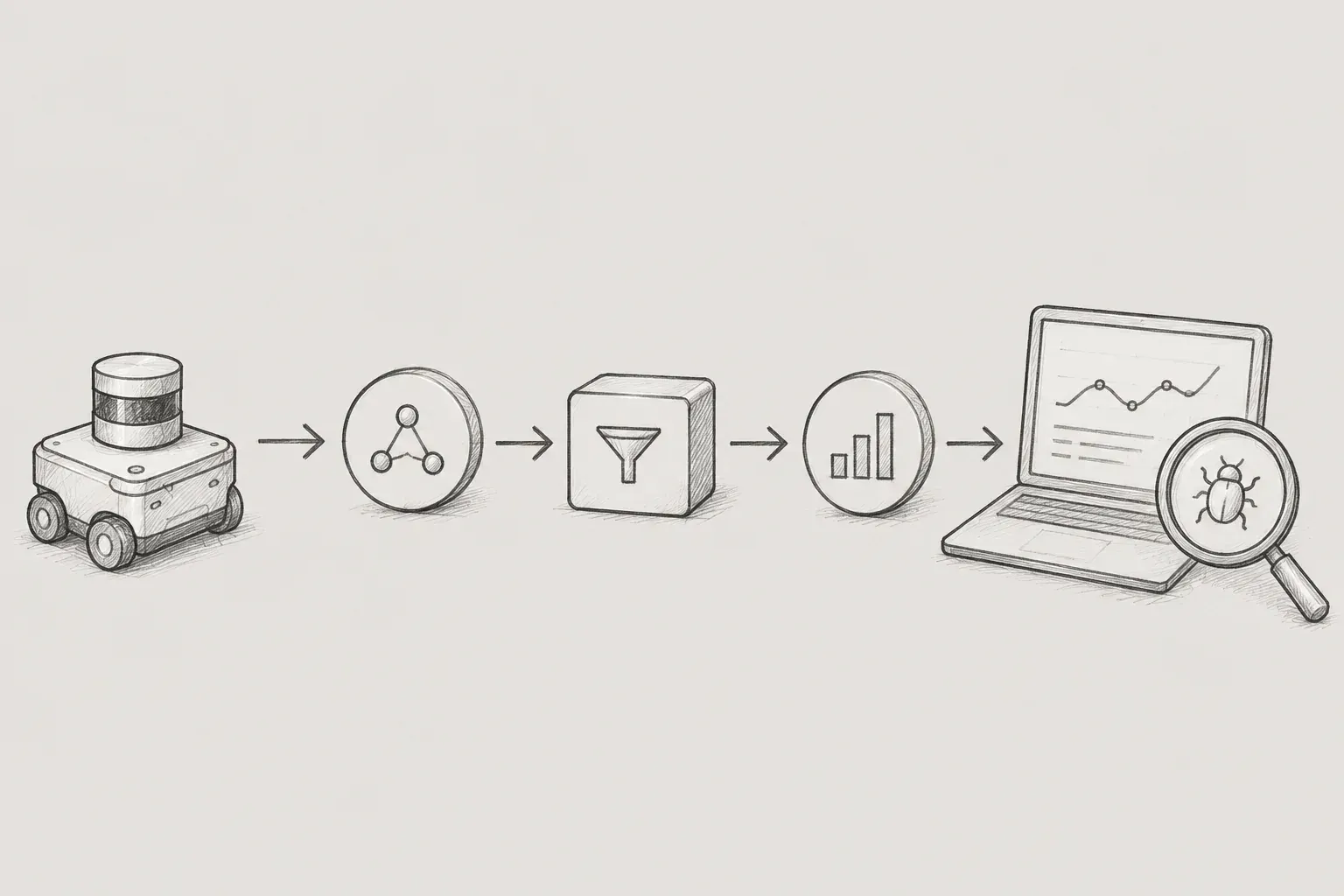
When designing systems in industrial IoT or robotics environments, you inevitably face the challenge of processing vast amounts of sensor data and control commands in real-time. ROS2 (Robot Operating System 2) can be utilized to address these issues.
Although ROS2 has 'Operating System (OS)' in its name, it is not a real operating system like Windows or Linux, but rather a software framework that helps facilitate the development of robotic applications. While it contains 'robot' in its name, its essence isa powerful asynchronous distributed communication architecture.After understanding the data flow of ROS2, which is utilized for effective sensor data collection, we will explore how to design and debug it.
1. ROS2 Communication: DDS and Asynchronous Pub/Sub Patterns
The first concept to grasp in understanding the ROS2 architecture is DDS (Data Distribution Service). DDS is aninternational industrial standard communication middlewarecreated for swiftly and reliably exchanging data between devices in a distributed system environment.
Traditional web services, which predominantly rely on synchronous REST APIs where servers respond to client requests, lead to significant bottlenecks when dealing with real-time sensor data. In contrast, DDS employs apublish-subscribemodel that allows data to be immediately delivered to the necessary locations whenever it is generated, without the client needing to request it from the server each time. This enables the real-time processing of vast data produced simultaneously by numerous sensors without delay. The features of the DDS standard are as follows.
1.1 Pub/Sub Structure
-
Separation of producers and consumers:Publishers (e.g., temperature sensor nodes) that generate data and Subscribers (e.g., database storage nodes, UI rendering nodes) that consume data do not need to be aware of each other's existence.
-
Flexible scalability:Since data is simply thrown and received using a specific topic as an intermediary, it is very flexible to add new monitoring nodes or remove existing ones even while the system is running. This aligns with modern software architecture patterns that maximize system flexibility by separating the responsibilities of Command and Query.
1.2 QoS (Quality of Service)
Another strength of DDS is QoS. When the network condition is unstable, you can finely configure at the node level whether to send all data unconditionally or only send the latest data quickly, allowing for flexible responses to the needs of the industrial field.
2. Sensor Data Modeling: Business Domain Optimization
The first thing you need to do to use ROS2 is to define a data specification. In ROS2, data interfaces are defined through .msg files. For the convenience of managing data structures, it is fundamental to separate message-specific packages and execution logic packages.
2.1 Creating a Message Package
Move to the workspace (e.g., ~/ros2_ws/src) in the terminal and create a message-specific package. Message packages usually use ament_cmake, which is a C++ build system, for dependency management.
ros2 pkg create --build-type ament_cmake iiot_interfaces2.2 Defining Custom Message
Publishers and subscribers do not know of each other's existence, but they must know the form of the data that will be exchanged through messages. Define the data type, including metadata that might be used in the actual business domain (device ID, status code, etc.).
# interfaces/msg/SensorData.msg
string device_id # 장비 고유 식별자 (예: "CNC_Machine_01")
int32 status_code # 장비 상태 코드 (0: 정상, 1: 경고, 2: 에러)
float64 temperature # 섭씨 온도
float64 vibration_hz # 진동 주파수 (Hz)
2.3 Updating Package Configuration Files
You need to modify configuration files so that the ROS2 build system (colcon) recognizes the .msg files you just created and converts them into Python/C++ code.
[ Modify package.xml ]
<buildtool_depend>
<build_depend>rosidl_default_generators</build_depend>
<exec_depend>rosidl_default_runtime</exec_depend>
<member_of_group>rosidl_interface_packages</member_of_group>
</buildtool_depend>
[ Modify CMakeLists.txt ]
find_package(rosidl_default_generators REQUIRED)
rosidl_generate_interfaces(${PROJECT_NAME}
  "msg/SensorData.msg"
)
Next, build the message package first with the command colcon build --packages-select iiot_interfaces.
3. Implementing Pub/Sub Node
Now that the data specifications are ready, we need to write the Python nodes that actually produce and consume the data.
3.1 Logic Package Creation
Execute the command to create a new Python package that will be responsible for processing actual data using the data type defined above.
ros2 pkg create --build-type ament_python ${패키지이름} --dependencies rclpy interfaces3.2 Publisher Node: Sensor Data Publishing
- sensor_pub.py Create fileRead data generated from actual hardware sensors or IIoT devices (e.g., CNC machines) into ROS2Role of continuously publishing on a specific topic on the networkThis is a script that does.
import rclpy
from rclpy.node import Node
import random
from iiot_interfaces.msg import SensorData

class SensorPublisher(Node):
    def __init__(self):
        super().__init__('sensor_publisher_node')
        self.publisher_ = self.create_publisher(SensorData, '/machine_data', 10)
        timer_period = 0.5
        self.timer = self.create_timer(timer_period, self.publish_sensor_data)
        self.get_logger().info('센서 퍼블리셔 노드가 시작되었습니다.')

    def publish_sensor_data(self):
        msg = SensorData()
        msg.device_id = "CNC_Machine_01"
        msg.status_code = 0 if random.random() > 0.1 else 1
        msg.temperature = round(random.uniform(40.0, 85.0), 2)
        msg.vibration_hz = round(random.uniform(10.0, 100.0), 2)

        self.publisher_.publish(msg)

def main(args=None):
    rclpy.init(args=args)
    node = SensorPublisher()

    try:
        rclpy.spin(node)
    except KeyboardInterrupt:
        node.get_logger().info('사용자에 의해 종료되었습니다.')
    finally:
        node.destroy_node()
        rclpy.shutdown()

if __name__ == '__main__':
    main()
3.3 Subscriber Node: Data Reception and Processing
- Create data_sub.py file: The publisher has diligently thrown sensor data into the topic (/machine_data) on the networkReceiving, inspecting, and utilizingdoes.
import rclpy
from rclpy.node import Node
from iiot_interfaces.msg import SensorData

class DataProcessor(Node):
    def __init__(self):
        super().__init__('data_processor_node')

        self.subscription = self.create_subscription(
            SensorData,
            '/machine_data',
            self.process_data,
            10
        )
        self.get_logger().info('데이터 프로세서 노드가 구독을 시작했습니다.')

    def process_data(self, msg):
        if msg.status_code != 0 or msg.temperature > 80.0:
            self.get_logger().warn(f'🚨 경고! [{msg.device_id}] 온도: {msg.temperature}°C (초과)')
        else:
            self.get_logger().info(f'정상: [{msg.device_id}] 온도: {msg.temperature}°C')

def main(args=None):
    rclpy.init(args=args)
    node = DataProcessor()
    try:
        rclpy.spin(node)
    except KeyboardInterrupt:
        pass
    finally:
        node.destroy_node()
        rclpy.shutdown()

if __name__ == '__main__':
    main()
3.4 setup.py Entry Point Registration
Register the two Python scripts in setup.py and rebuild the workspace with colcon build.
entry_points={
    'console_scripts': [
        'sensor_pub = data_pipeline.sensor_pub:main',
        'data_sub = data_pipeline.data_sub:main',
    ],
},
4. Troubleshooting and Debugging Methods
Even if the code looks perfect in the development environment, it is common for data not to flow due to issues like network isolation or message type mismatches. ROS2 provides a powerful CLI tool to track these issues.
Open multiple terminals and run each node (ros2 run data_pipeline sensor_pub, ros2 run data_pipeline data_sub), and use the tools below to diagnose the system.
4.1 Checking Node List and Information
- ros2 node list: This command checks which nodes are alive in the current network.
$ ros2 node list
/sensor_publisher_node
/data_processor_node
- ros2 node info: This command gives detailed information about which topics a specific node is publishing/subscribing. It should be the first thing to check when a node behaves unexpectedly.
$ ros2 node info /sensor_publisher_node
/sensor_publisher_node
  Publishers:
    /machine_data: iiot_interfaces/msg/SensorData
  Subscribers:
    ...
4.2 Checking Topic Status
- ros2 topic list: This command checks if a topic has been created for sending data. (-t option: allows checking message type)
$ ros2 topic list -t
/machine_data [iiot_interfaces/msg/SensorData]
/parameter_events [rcl_interfaces/msg/ParameterEvent]
- ros2 topic infoThis command checks how many publishers and subscribers are attached to the topic. If no data comes in, you need to check whether the count here is shown as 0.
$ ros2 topic info /machine_data
Type: iiot_interfaces/msg/SensorData
Publisher count: 1
Subscription count: 1
4.3 Data Reception Confirmation
- ros2 topic echo: This command allows you to see the raw data status to check if actual data is flowing properly in the current topic before writing the subscriber code.
$ ros2 topic echo /machine_data
device_id: CNC_Machine_01
status_code: 0
temperature: 65.42
vibration_hz: 42.11
---
4.4 Understanding through Diagrams
- rqt_graph: By entering rqt_graph in the terminal window, a GUI window appears that diagrams the connection status of all currently running nodes and topics. It is the most intuitive tool to quickly understand whether the system architecture is configured as intended.
5. Conclusion: A Leap to Distributed Architecture
So far, we have seen the entire cycle of designing custom messages for using ROS2, implementing Pub/Sub nodes in Python, and debugging them.
The key to ROS2 lies in its DDS-based asynchronous communication, which allows each module of the system to be independently separated. This enables publishers collecting sensor data and subscribers processing it to send and receive data reliably without being tied to each other's states.
The architecture of ROS2 provides not just an answer to the question of 'how to send sensor data?', but also a way to safely separate and scale modules when the system grows larger in the future.
Rookie